Series · Text-Based AI Automation for Non-Developers
Episode 2 · Text-Based AI Automation for Non-Developers 2 - Images and Video
Text-Based AI Automation for Non-Developers 2 - Images and Video
Part 2 of this series explains how to place text, image and video automation on top of an always-on server. They all use generative AI, but their cost and failure modes differ substantially.
Start with text automation
Text is easier to compare and revise. Research, summaries, drafts, translation, Markdown cleanup, file renaming and Git commits have visible inputs and outputs. Repository tools such as Claude Code and GitHub Copilot can apply rules across several files.
Good first tasks include converting meeting notes into an article structure, summarizing five sources with citations and localizing a Korean draft. Tax, legal and medical decisions have high error costs and should not become unattended first projects.
| Automation stage | Human check | Recovery |
|---|---|---|
| Source collection | Authority and freshness | Remove unreliable sources |
| Draft and translation | Omissions and changed meaning | Compare by paragraph |
| File save | Path and overwrite behavior | Versioned files and Git |
| Publication | Title, links and rights | Draft approval before release |
Treat image automation as production
Image automation is more than asking for an attractive picture. Decide which section it explains, translate the idea into a photographable scene, inspect the result and save it under the correct path and filename.
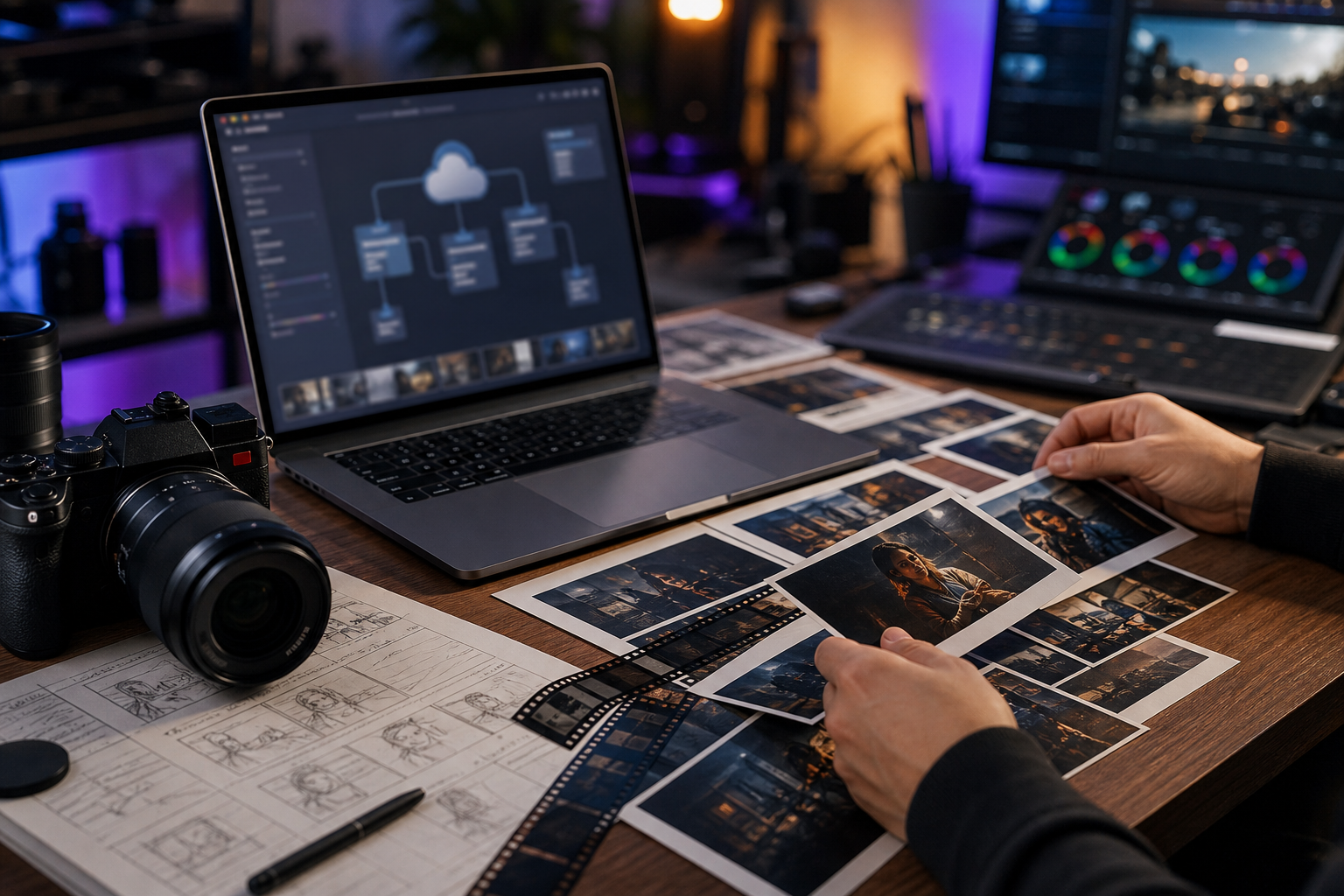
A safe workflow is:
- Define the message and the image's role.
- Generate a scene without logos, illegible lettering or protected characters.
- Inspect hands, screen text, product shape and composition.
- Generate a new version instead of overwriting failed evidence.
- Add alt text and a caption, then preserve the source in Git.
Video automation is a pipeline, not one generation
Video costs more and fails more often than text or images. The Gemini API pricing page publishes per-second pricing and availability for Veo models. Runway API and Luma API provide text- and image-driven video, transformation and upscaling. Models, resolutions and prices change frequently, so verify official pricing before calling an API.
A practical sequence is script, scene breakdown, first frame, short clips and editing—not one 30-second generation.
| Goal | Recommended start | Main cost or risk |
|---|---|---|
| Short-form draft | Script and 3–5 scenes | Repeated generation |
| Article promotion | Summary and 5–10 second clips | Scene consistency |
| Product introduction | Storyboard and image-to-video | Logo and product distortion |
| Existing video conversion | V2V or upscale | Rights and upload policy |

Storyboard automation is the easiest video productivity gain for a non-developer. A text agent can divide an article into six scenes and draft prompts, narration and duration. A person approves sequence and brand representation before first-frame generation and short video API calls.
Connecting a video API does not create complete automation. Separate script, scenes, first frames, generated clips, captions, voice and upload so each failure can be repaired.
A durable expansion order
- Stabilize text summarization and file output.
- Connect Drive, GitHub or a publishing destination.
- Add article-level image automation with human inspection.
- Automate storyboards and first frames.
- Measure cost and quality with short video clips.
- Keep human approval for publication, payment and deletion.
Attempting unattended automation from the beginning entangles credentials, cost, security and quality. Small units—today's research, two images for one article or six scenes for a short—turn the server into a practical personal worker for non-developers.



No comments:
Post a Comment