What many people call the ChatGPT “loop” is usually Scheduled Tasks: a prompt that runs again at a chosen time. Recurring work such as repository changes and tests belongs in a separate Codex automation workflow.
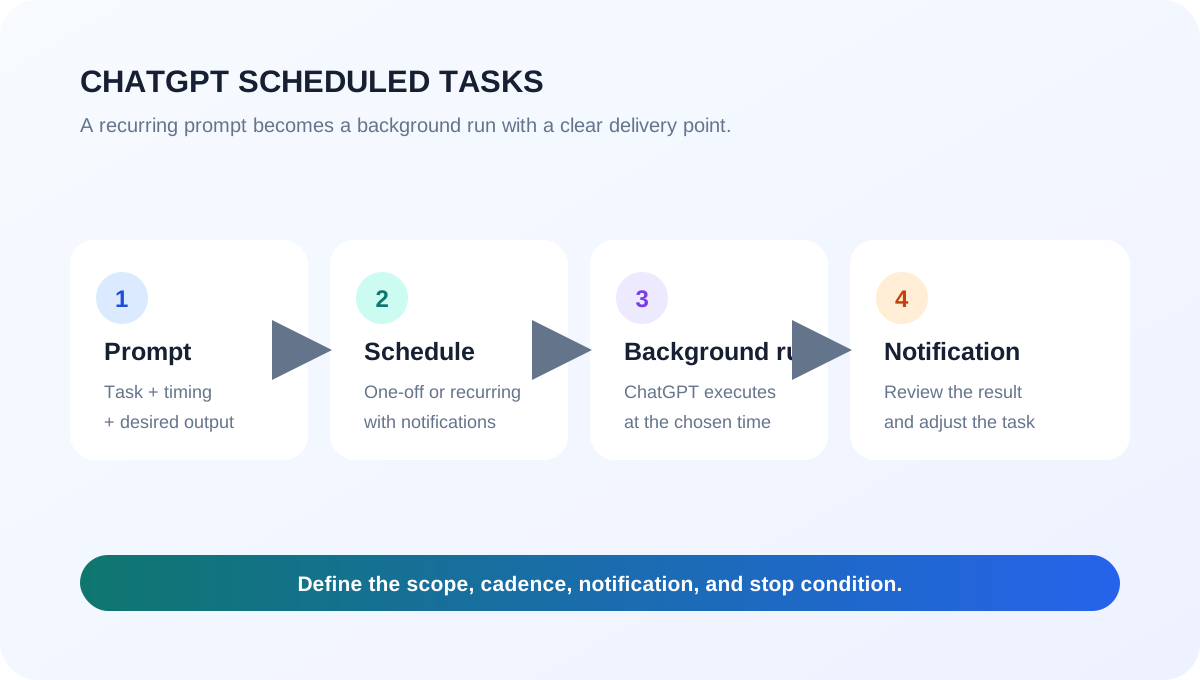
1. What the GPT loop feature is
Scheduled Tasks run one-off or recurring prompts in the background and notify you when a result is ready. They fit daily briefings, weekly reports, reminders, and monitoring for meaningful changes. See the official ChatGPT Scheduled Tasks guide for current availability and limits.
| Goal | Best fit |
|---|---|
| Reminders, briefings, monitoring | ChatGPT Scheduled Tasks |
| Repository edits, tests, verification | Codex Automations or long-running work |
2. Using it in the desktop app
In the ChatGPT desktop app, open ChatGPT → Scheduled from the top-left menu. Create a task and write both the work and its cadence, such as: “Every Monday at 9 AM, summarize last week’s AI news in three bullets.” Save the confirmation card. The same view shows the next run and lets you pause, resume, edit, or delete a task. Notification settings are under Settings → Notifications.
For a local project, keep the project on disk and leave the computer and ChatGPT app running. A task created on the web does not keep a local folder available between runs.
3. Using it with Codex
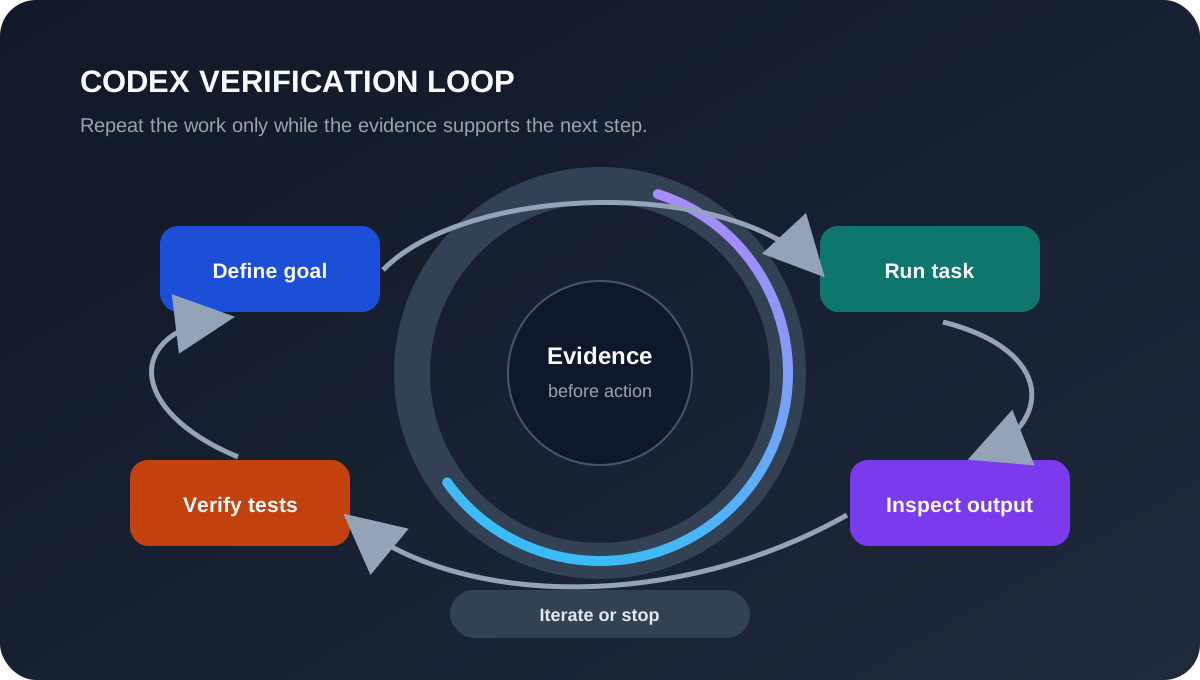
Codex does not have ChatGPT’s Scheduled management page. Use Codex Automations or long-running work, and specify four things:
- The repository and allowed scope
- The cadence or starting condition
- The success check and output format
- The stop condition and human approval point
For example: “Every day at 9 AM, run this repository’s tests and summarize only failures. Retry the same error up to three times, then stop; do not edit files without approval.” The Codex Automations guide and Codex use cases provide current workflow examples.
4. Tips and cautions
Test the prompt in a normal chat before scheduling it, then review the first few runs. Start with least privilege and a narrow folder scope; for Codex, an isolated worktree and automated tests make recovery easier. Scheduled Tasks cannot run more than once per hour, have plan-based active-task limits, and may pause after inactivity. Voice chats and GPTs are not supported by Tasks.
For context, see OpenAI Codex cloud agent and how AI automation is reshaping software work.