Showing posts with label Technology Trends. Show all posts

Tuesday, July 28, 2026

AMD Helios Rack-Scale AI: Why the Whole Rack Now Matters

AI server competition used to be explained mainly as a question of which GPU was faster. As large-scale inference and agentic workloads grow, the bottleneck is moving from an individual GPU to the entire rack. Interconnects, host CPUs, memory bandwidth, networking, and software runtimes all have to line up before token throughput and power efficiency appear in production. AMD Helios, announced at Advancing AI in July 2026, is a useful marker of that shift.

AMD described Helios as a rack-scale solution that combines 72 AMD Instinct MI455X GPUs, 18 sixth-generation EPYC “Venice” CPUs, Pensando networking, and ROCm software. According to AMD’s announcement, AMD Helios can deliver up to 30% more tokens per dollar than the leading competitive solution. The company also claimed that MI455X delivers 34 times higher token throughput than MI355X, based on its own measurements. Those numbers should be read with the vendor’s test conditions in mind, but the strategic point is clear: the unit of competition is expanding from the GPU board to the rack and the software stack around it.

Background

AI demand in data centers is spreading beyond training into inference and agent execution. A single user request can branch into retrieval, code execution, tool calls, image analysis, and long-context state. In AI server bottlenecks, the important metrics are not only peak performance but sustained throughput, density within a power envelope, network latency, and operational tooling.

That is why AMD’s mention of ROCm.ai matters alongside Helios. ROCm is AMD’s open software platform for its GPUs, and ROCm.ai was introduced as a development platform for building, optimizing, and deploying GPU software faster. AMD’s separate MI400 Series update also positioned the Instinct line for inference and HPC workloads. Better hardware alone is not enough; model serving and developer tooling have to be convincing before cloud providers and AI labs can move real workloads.

Component Role in the Helios announcement What readers should watch
MI455X GPU Acceleration for large-scale inference and training Throughput by model, precision, and serving setup
EPYC Venice CPU Host node and data feeding layer Memory and I/O capacity that keeps GPUs busy
Pensando networking Scale-up and scale-out connections Latency and stability across racks
ROCm and ROCm.ai Development, optimization, deployment Framework compatibility and operational effort

How It Works

A rack-scale AI system is not simply “a computer with many GPUs.” It is closer to a large inference factory. When a user request arrives, tokenization, prefill, decoding, cache management, tool calls, and post-processing all happen in sequence. GPUs handle matrix operations, but CPUs schedule requests, networking moves data among accelerators, and the runtime adjusts batch size and memory use.
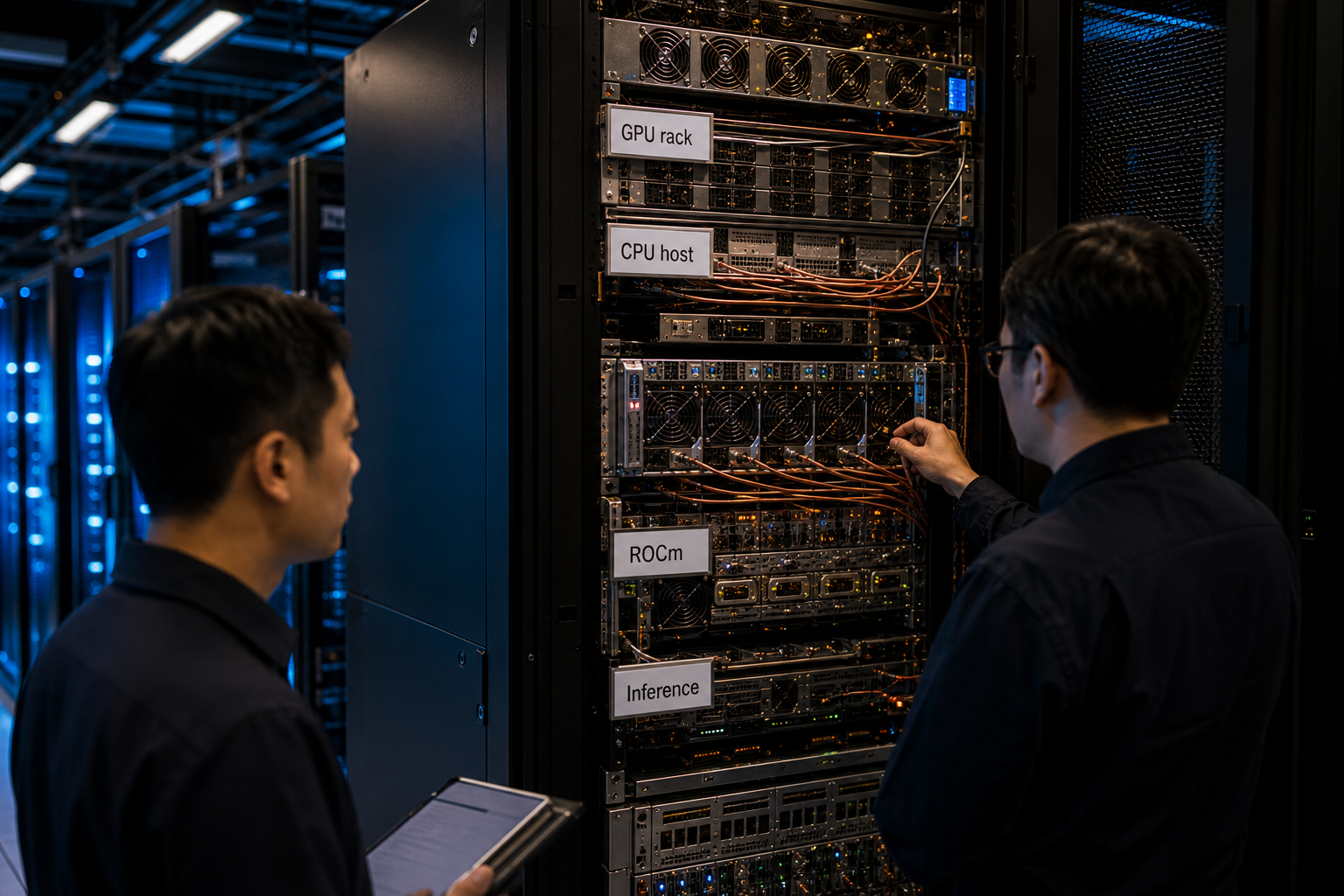
AI data center rack — technicians inspecting GPU servers and cables in a rack-scale AI setup

<How GPU, CPU, networking, and runtime layers work together inside an AI infrastructure rack 2.1>

For example, imagine an enterprise chatbot that goes beyond answering text and also searches documents, generates tables, and executes code. As each request gets longer, KV cache and memory bandwidth matter more. As concurrent users increase, batching and queue management become decisive. The cost is shaped less by the peak performance of one GPU and more by how efficiently multiple GPUs are split, scheduled, and recombined. A rack-level design such as Helios tries to optimize those bottlenecks together from the start.

Architecture

Another axis in AMD’s announcement was “physical AI.” The company discussed Kria AI solutions, Ryzen AI Embedded X100 Series processors, and a robotics developer platform as a path for cloud AI to move into machines and industrial equipment. That also signals that AI semiconductor demand is not confined to data centers.
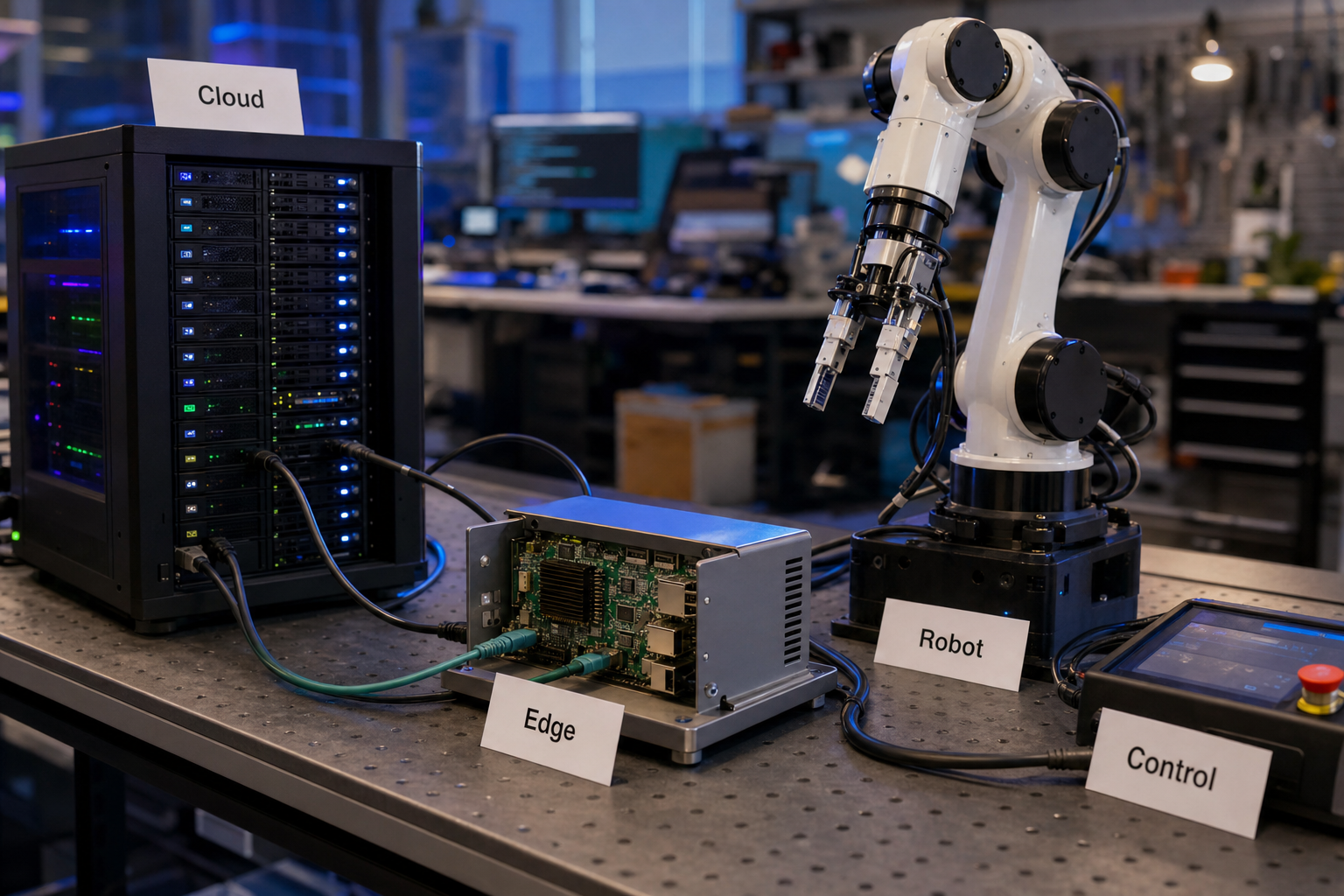
Robotics lab — an edge AI module, robot arm, and small data center model connected by cables

<The flow from cloud inference to edge modules and robot control in physical AI 3.1>

In simplified form, the upper layer is a Helios-style rack that trains and serves large models, while the lower layer is made of embedded and edge platforms that control sensors and robots on site. The bridge between the two includes model compression, latency budgets, observability, and secure updates. In factories or logistics centers, equipment cannot simply stop when internet access is unstable, so deciding what runs in the cloud and what runs locally becomes a core product-design decision.

Checkpoints

  • AMD’s claims of up to 30% more tokens per dollar and 34 times higher MI455X token throughput depend on the company’s stated test conditions. Teams should not assume the same ratio applies to every model, precision, or batch size.
  • The ROCm ecosystem is expanding quickly, but organizations with CUDA-centered code and operating habits still need to evaluate migration cost.
  • Rack-scale systems must be compared by total cost, including power, cooling, networking, and support contracts. GPU sticker price alone can obscure real economics.
  • Physical AI extends safety responsibility beyond software. In robotics, industrial equipment, health care, and logistics, a model error can become a physical incident.

The main point of AMD Helios is not just that AMD has another fast GPU platform in the same market as NVIDIA. It is that AI infrastructure is becoming an integrated competition across racks, networking, software, and edge devices. For enterprises, the useful question is not a single benchmark line. It is whether their models, latency targets, power limits, and developer ecosystem fit the stack.

WebMCP and Browser AI: When Agents Call Tools Instead of Clicking

When people imagine AI agents working on the web, they often picture software that clicks through pages the way a person would. In practice, that approach is fragile. Button positions change, pop-ups interrupt flows, and the same form can expose different DOM structures depending on a user’s state. WebMCP, introduced by the Google Chrome team at I/O 2026, is an attempt to solve that problem at the web-platform layer.

The central idea is that a website can explicitly tell browser-based agents which structured tools are safe to call. A user grants permission, and the agent works with machine-readable functions or forms instead of guessing from pixels and markup. If remote MCP is about connecting agents to servers and tools, WebMCP focuses on the boundary between the browser and the web page itself. That makes browser AI less like a screen-scraping bot and more like a permissioned runtime for web agents.

Background

In Chrome’s announcement, WebMCP was described as a proposal for turning websites into agentic toolkits. The experimental origin trial is planned for Chrome 149, and Gemini in Chrome is expected to support WebMCP APIs. Google’s I/O 2026 developer keynote recap placed Modern Web Guidance, Chrome DevTools for agents, and Chrome built-in AI APIs in the same workflow. The direction is clear: agents should be able to build code, verify it in the browser, and interact with web services under user-approved constraints.

That matters because the hardest failure points for agentic AI outside the app sandbox usually sit at the interface layer. A language model may write fluent text, but workflows such as payment, booking, account changes, and applications depend on permissions, state, validation, and cancellation paths. WebMCP is less about “what did the agent click?” and more about “which intention was executed, through which declared capability, under which limits?”

Area Screen-clicking agent WebMCP-style approach
Target Buttons, fields, DOM layout Declared functions, forms, and site tools
Typical failure Layout changes, pop-ups, hidden state Permission design, tool schemas, server validation
User control Watching the screen and undoing later Approval before calls and scoped permissions
Developer focus Stabilizing UI automation Tool definitions, audit logs, exception handling

How It Works

Consider a travel-booking site. A conventional agent has to type departure and arrival cities, open a date picker, click filters, and read the results. In a WebMCP-style design, the site can expose callable capabilities such as searchFlights, holdReservation, or compareHotelOptions. The agent calls those tools only within the scope the user has approved, shows the result to the user, and asks for fresh confirmation before sensitive steps such as payment.

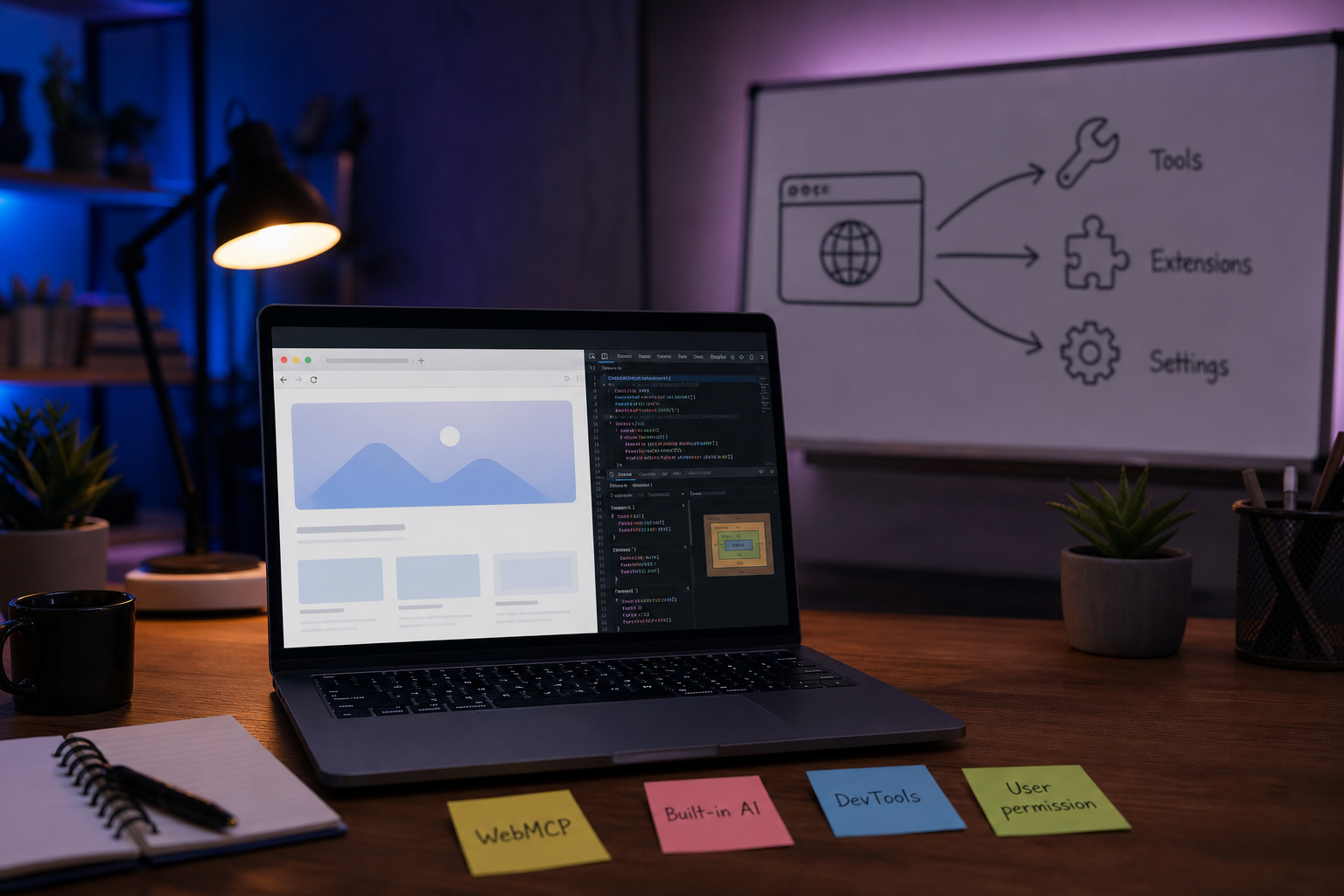
Browser AI workstation — a laptop and whiteboard showing the relationship between WebMCP, built-in AI, and DevTools

<How models, declared site tools, and developer verification meet inside the browser 2.1>

Chrome built-in AI belongs to the same shift. If translation, language detection, and future writing or summarization features can run in the browser, some product experiences can reduce server calls, latency, and the movement of private text. That does not mean every model runs locally on every device with equal speed. Chrome’s framing is that the browser can manage models and share optimized execution across sites. For developers, the new question becomes: before sending a task to a server-side API, can the browser perform it safely and well enough?

Architecture

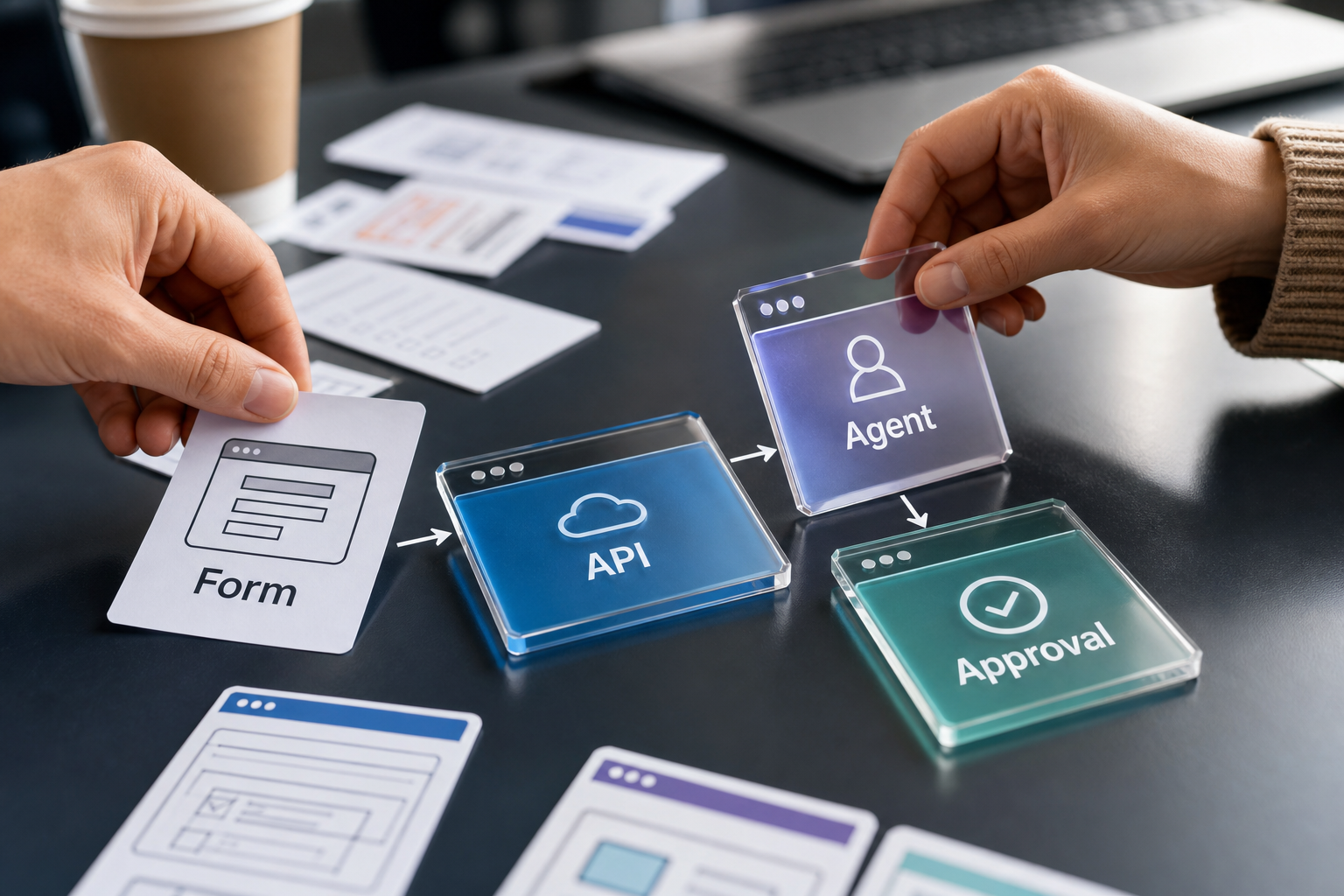
Adding WebMCP to a product does not make a site autonomous by itself. The practical structure has four layers. First, the web app defines callable tools and their input schemas. Second, the browser exposes those tools to an agent in a controlled way. Third, the user approves the relevant account, price, and personal-data boundaries. Fourth, the server still validates final authority and business rules.

WebMCP tool cards — hands arranging Form, API, Agent, and Approval cards on a table

<A web-agent workflow that favors explicit tool calls over brittle screen automation 3.1>

This also changes developer tooling. Chrome DevTools for agents gives agents access to console logs, network traffic, and accessibility trees, so they can reproduce and diagnose issues in a real browser. Instead of a human simply saying “test it,” an agent can inspect performance and accessibility evidence and propose fixes. Even then, responsibility stays with the delivery pipeline. The more automated fixes become, the more important tests, rollback paths, audit logs, and product readiness checks become.

Checkpoints

  • WebMCP is still closer to a proposal and an experiment than a fully settled deployment baseline. Teams should track conditions such as the Chrome 149 origin trial and limit experiments to well-bounded flows.
  • The tools exposed by a site become a new attack surface. Input validation, permission separation, rate limits, and reconfirmation for sensitive actions need to be part of the design from the start.
  • Browser built-in AI can reduce cost and latency, but model availability, device performance, and browser support differences can fragment the experience.
  • Users need to understand what an agent did. A good interface should show which data was checked and which choices were deferred, not just say that a task is complete.

The significance of WebMCP is not that websites should hand every action to AI. It is almost the opposite. It separates user-approved scope, site-defined tools, and server-enforced rules so that an agent’s behavior becomes narrower and more explicit. For web-service teams, the useful question is not whether the demo looks impressive. It is which actions in the product can be expressed as safe, auditable tools.

404 Dev Room 30 - Taming

Series · 404 Dev Room Webtoon · Ongoing Episode 30 · 404 Dev Room 30 - Taming The trainer in the AI coding room has changed. <...