Showing posts with label Google. Show all posts

Sunday, July 26, 2026

Google AI Full-Stack Strategy 2 - From Solo Work to Vertex AI

Series · Google AI Full-Stack Strategy

Article series · Completed

Episode 2 · Google AI Full-Stack Strategy 2 - From Solo Work to Vertex AI

Google AI Full-Stack Strategy 2 - From Solo Work to Vertex AI

This series analyzes how Google connects Gemini models with Android, Workspace, NotebookLM, creative tools and Vertex AI through real workflows. Part 2 asks a harder question than whether Google has many AI products: Can a user move from research to a brand, video and web product, then carry the same technology into an enterprise security and deployment system?

The professional workflow: from source material to a brand and product

A practical solo-brand workflow looks like this:

  1. Collect interviews, competitor PDFs, customer surveys and photos from multiple devices in Drive.
  2. Use NotebookLM to separate claims by source and identify recurring customer problems that can support a brand concept and storyboard.
  3. Iterate mood boards and campaign concepts with Gemini's Nano Banana image-generation family.
  4. Produce a video draft from the selected storyboard with Veo, then have a person review trademarks, likeness rights and product claims.
  5. Design the landing-page interface and user flow in Google Stitch.
  6. Send the screens to Google Antigravity, connect backend logic and deploy through Firebase or Cloud.

This is not a one-click company. Trademark conflicts in a brand identity, rights in generated imagery, regulated claims, code security and payment tests remain human responsibilities. The advantage is that less context and fewer files are lost between research, planning, visualization, prototyping and implementation.
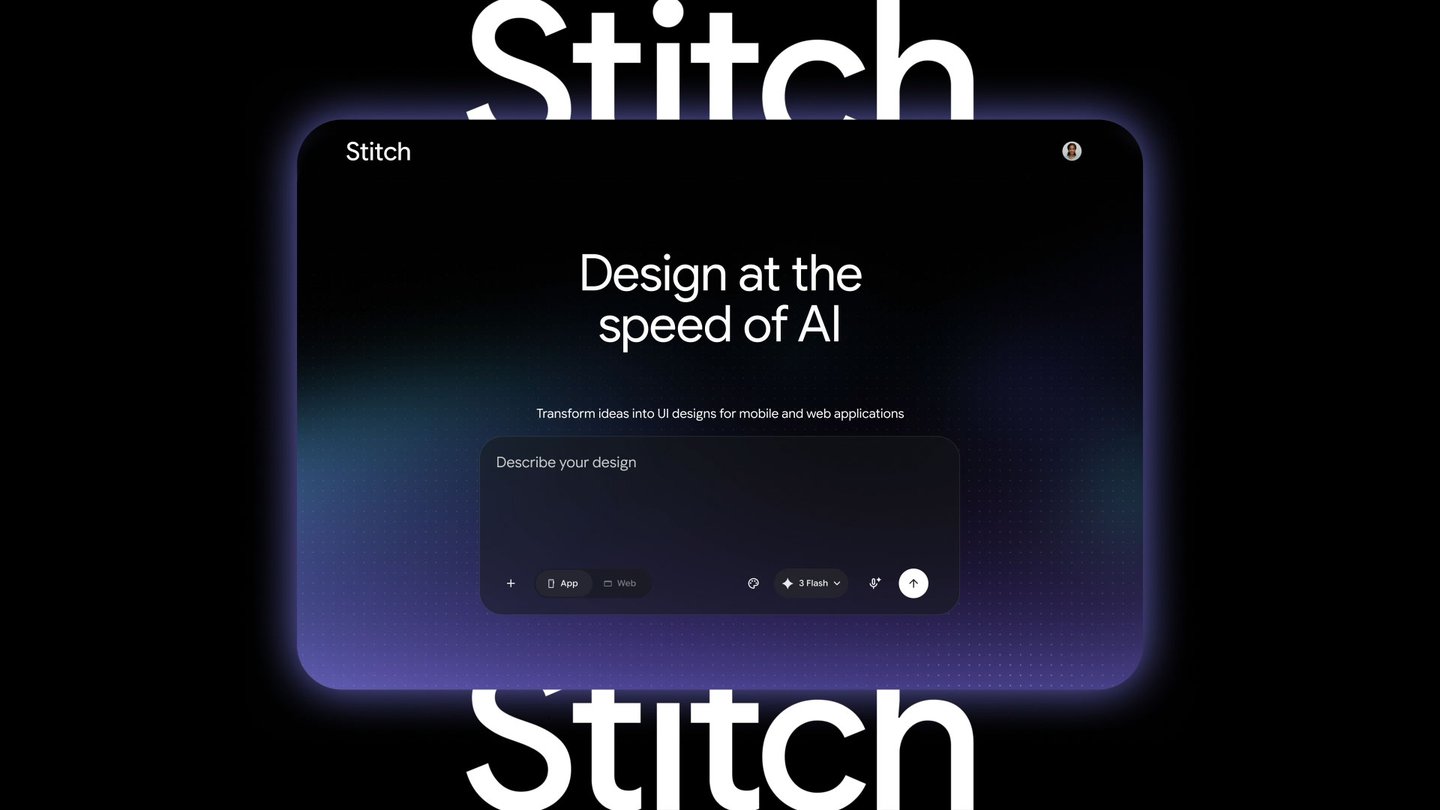
Google's official image of the real-time AI design canvas in Stitch

<Official image of Google Stitch's real-time design workflow 2.1>

The official Google Stitch announcement describes text, voice, an existing codebase and design files as inputs, with real-time revision and export to Antigravity or direct web publishing. Google said the May 2026 update was available globally, but generated output is not automatically a production interface with correct accessibility, responsive behavior, performance and security.

The Google Antigravity 2.0 announcement positions the product beyond editor autocomplete: it adds multiple agents, scheduled tasks and integrations with AI Studio, Android and Firebase. Stitch produces and iterates the design, Antigravity implements and verifies it, and the Gemini API can become the intelligence inside the product.

The enterprise workflow: Workspace in front, Cloud behind it

An organization should distinguish the Workspace surface employees use from the Cloud systems serving customers.

Area Representative services Enterprise role
Work surface Gmail, Chat, Calendar, Meet, Docs and Drive Email, meetings, documents and knowledge collaboration
Models and agents Gemini API, Vertex AI and Agent Engine Generation, tool use, agent execution and evaluation
Data Cloud Storage, BigQuery and AlloyDB Governed enterprise data and analytics
Application operations Cloud Run, GKE, Firebase and API Gateway Web, mobile and API deployment
Control IAM, organization policy, VPC Service Controls and Logging Least privilege, boundaries, audit and observability

A sales team might save a Meet recap to Drive while an internal application searches only approved documents to draft a customer answer. The draft then passes CRM authorization and privacy filters before an employee approves it. Workspace Gemini and a Vertex AI application share a brand, but their data boundaries, terms and administration surfaces are not identical. Integration must be designed.

Why Vertex AI feels so complicated

The Vertex AI console presents models, Studio, prompts, evaluation, tuning, pipelines, endpoints, vector search, agents and observability. Google Cloud then adds projects, billing, API enablement, regions, quotas, service accounts and IAM. The complaint that it is difficult is justified.

Much of that complexity, however, represents enterprise questions:

  • Who can invoke which model in which project?
  • Which Storage or BigQuery data may a model read?
  • Which service account should an agent use when acting on another service?
  • In what region do data and inference run?
  • Who tracks cost, latency, errors and prompt revisions?
  • What boundary separates external networks from managed services?

The Vertex AI Agent Engine setup documentation discusses roles/aiplatform.user, service-account-user privileges, per-agent identities and managed service agents. This is unfriendly to a beginner, but it also avoids giving every agent one all-powerful owner credential.

A safer production pattern divides organizations, folders and projects by environment and data sensitivity. Human groups receive predefined roles while runtimes use separate service accounts. Instead of permanently clustering every API permission into a broad role, teams should build least-privilege role bundles around jobs and review them regularly.

Model Garden: when breadth becomes a genuine advantage
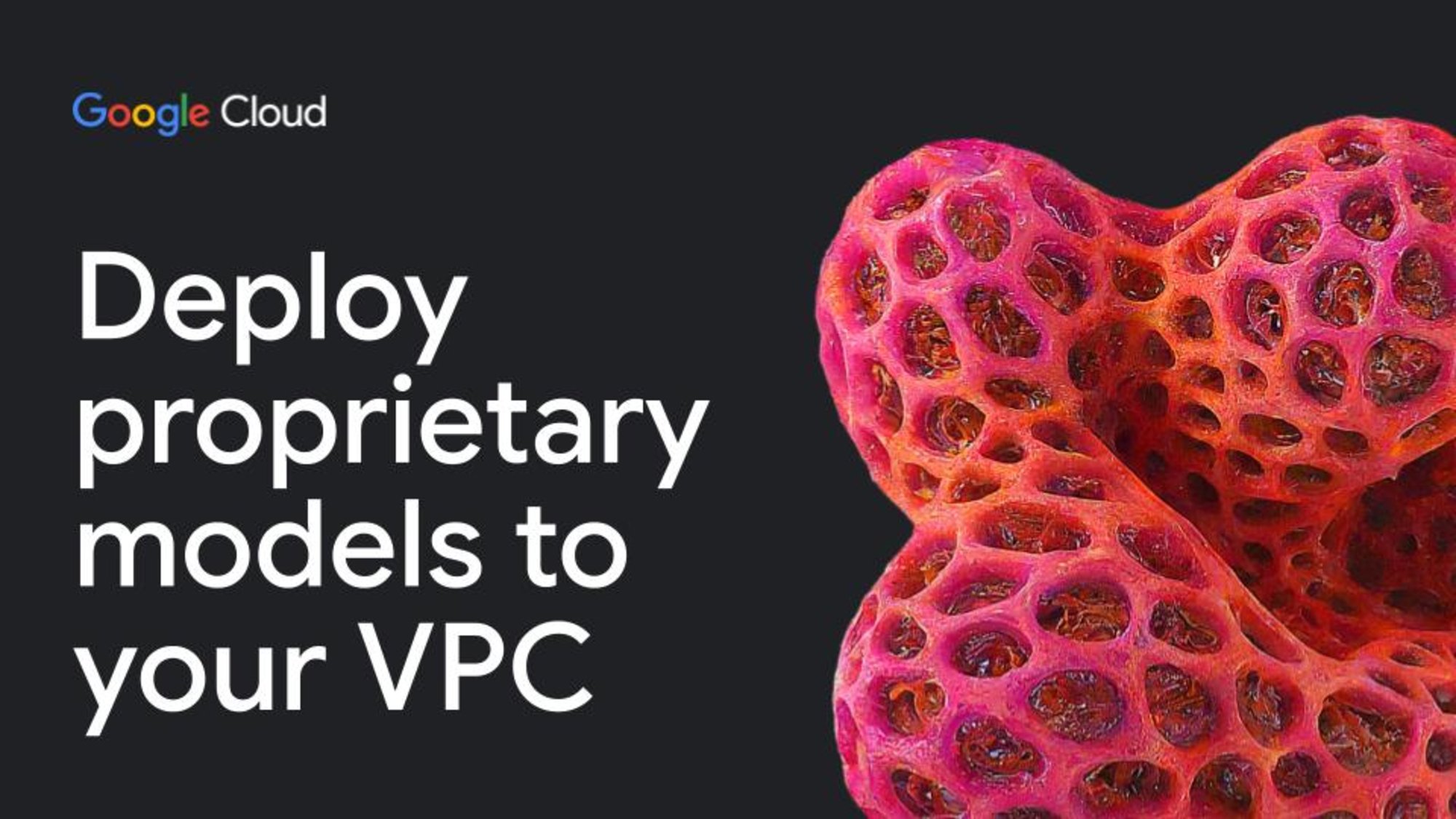
Google Cloud's official image of partner-model deployment through Vertex AI Model Garden

<Official image of Google, open and partner model choices in Vertex AI Model Garden 2.2>

Vertex AI Model Garden is not a catalog limited to Google's Gemini, Imagen and Veo. It also includes open models such as Gemma and partner offerings including Anthropic Claude. Some are managed APIs; others can be deployed into a company's VPC. Google Cloud advertises access to more than 200 foundation models.

That breadth matters under three conditions:

  1. Different tasks need different quality, latency and cost tradeoffs.
  2. A workload has region, network-boundary or licensing requirements.
  3. A company wants evaluation and replacement paths instead of locking the entire product to one model provider.

Model count alone is not an outcome. Without lifecycle and deprecation management, prompt compatibility tests, evaluation data, safety policy and cost controls, choice becomes operational debt. That is why the Vertex AI release notes belong in a production change-management process.

Where should an API project start?

Google AI Studio and the Gemini API are the simpler starting point for an individual developer or rapid prototype. They make it easy to obtain a key, call a model and test a product hypothesis. Vertex AI becomes appropriate when enterprise data, IAM, regions, network boundaries, evaluation and production monitoring matter.

Our Gemini Interactions API analysis covers server-side state and long-running work, while Gemini Managed Agents covers isolated environments and remote tools. Neither feature automatically completes enterprise authorization. Tool allowlists, approval gates, secrets, logs and failure recovery remain application responsibilities.

Conclusion: Google is building a connected operating system, not only models

Google's full-stack strategy can be evaluated in three layers:

  • For consumers, Android, YouTube, Drive and Workspace become multimodal Gemini inputs and outputs.
  • For professionals, NotebookLM, Nano Banana, Veo, Stitch and Antigravity reduce the transition cost from research to creation and development.
  • For enterprises, Workspace provides the work surface while Google Cloud supplies data, deployment and IAM, and Vertex AI supplies model choice.

The enormous ecosystem is also the main weakness. Teams must absorb product overlap, renaming, permission and billing complexity, and vendor lock-in. The right adoption strategy is not “turn on all of Google AI.” It is to choose one workflow, define source data, permissions, evaluation and human approval first, and connect only the services that workflow needs.

Under those conditions, Google has a rare full stack that reaches from an individual's day to an enterprise software lifecycle. What makes a solo branding business increasingly feasible is not one generative model, but the connected tool network around it.

Google AI Full-Stack Strategy 1 - Consumer Connections

Series · Google AI Full-Stack Strategy

Article series · Completed

Episode 1 · Google AI Full-Stack Strategy 1 - Consumer Connections

Google AI Full-Stack Strategy 1 - Consumer Connections

This series analyzes the Google AI strategy: how Google connects Gemini models with Android, Workspace, NotebookLM, creative tools and Vertex AI through real workflows. The first conclusion is that Google's strongest asset is not one model benchmark. It is the distribution advantage that lets something seen on Android, received in Gmail, stored in Drive or discussed in Meet become context for Gemini under the same account and permission system.

This article reflects public information checked on July 27, 2026. Availability varies by country, language, device, Google AI plan and Workspace administrator settings. A feature shown in a product announcement is not necessarily available to every free account.

Gemini is a model, an app, a work feature and an API

The shared name makes Gemini look like one service, but four layers need to be separated.

Layer Where users encounter it Role
Models Gemini 3.x families and image, speech and video models Engines that understand or generate text, images, video and audio
Gemini app Web, Android and iOS conversation surfaces Questions, file analysis, camera or screen sharing and Deep Research
Workspace features Gmail, Docs, Sheets, Slides, Drive, Meet and Chat Summarization, creation and retrieval using the current app's context and permissions
Developer platforms Gemini API, Google AI Studio and Vertex AI Application development, tool use, agents and enterprise deployment

The official Gemini API model documentation lists models that accept images, video, audio and PDFs as well as separate low-latency voice models. The product version used inside the Gemini app should not be assumed to be the same model ID a developer pins through an API. API models have stable, preview and experimental lifecycles, so production systems must manage versions and deprecations.

Google's official 2026 Gemini for Workspace service image

<Official image of Gemini expanding across Docs, Sheets, Slides and Drive 1.1>

In its March 2026 Workspace update, Google showed Gemini in Drive answering across documents, email, Calendar and the web, drafting from relevant files and comparing multiple proposals. The practical value is that users do not have to retype all of that background into an empty chat box.

From Android to Drive: multimodal consumption becomes one question

Consider a normal multimodal AI purchase decision. An Android user photographs a product, watches YouTube reviews and saves a specification sheet from a message to Drive. Previously, image search, video viewing, PDF reading and note-taking were separate tasks. A multimodal Gemini workflow can use a camera, screen and file as inputs to one conversation: “Compare these three products against my requirements.”

That does not mean the model has unrestricted access to an entire Google account. Context is bounded by the apps a user connects, the screen or file currently shared, account permissions and administrator policy. Google's 2025 Workspace app connection announcement explains connections to Gmail, Drive, Calendar, Keep and Tasks as well as user controls for disconnecting them.

A consumer workflow can now look like this:

  1. Share a product, receipt or whiteboard through an Android camera or photo.
  2. Compare it with a YouTube URL, PDF and conditions from an email.
  3. Put the result in Docs and generate a budget in Sheets.
  4. Check Calendar availability and propose a time through Gmail.
  5. Return to the same files in Drive for follow-up questions.

The important improvement is less friction, not merely a smarter chatbot. Results still need links and source numbers for verification. Image recognition and long-video summaries can be wrong. NotebookLM also imports the caption transcript, not every visual frame, when a public YouTube video is used as a source.

Gmail, Calendar and Meet turn conversation into a record

Gemini in Gmail can summarize a long thread, search an inbox with natural language and draft a reply. Help me schedule can infer meeting conditions from an email, propose openings using Calendar and create an invitation after a recipient selects a time. It is a concrete example of email analysis and scheduling becoming one workflow.

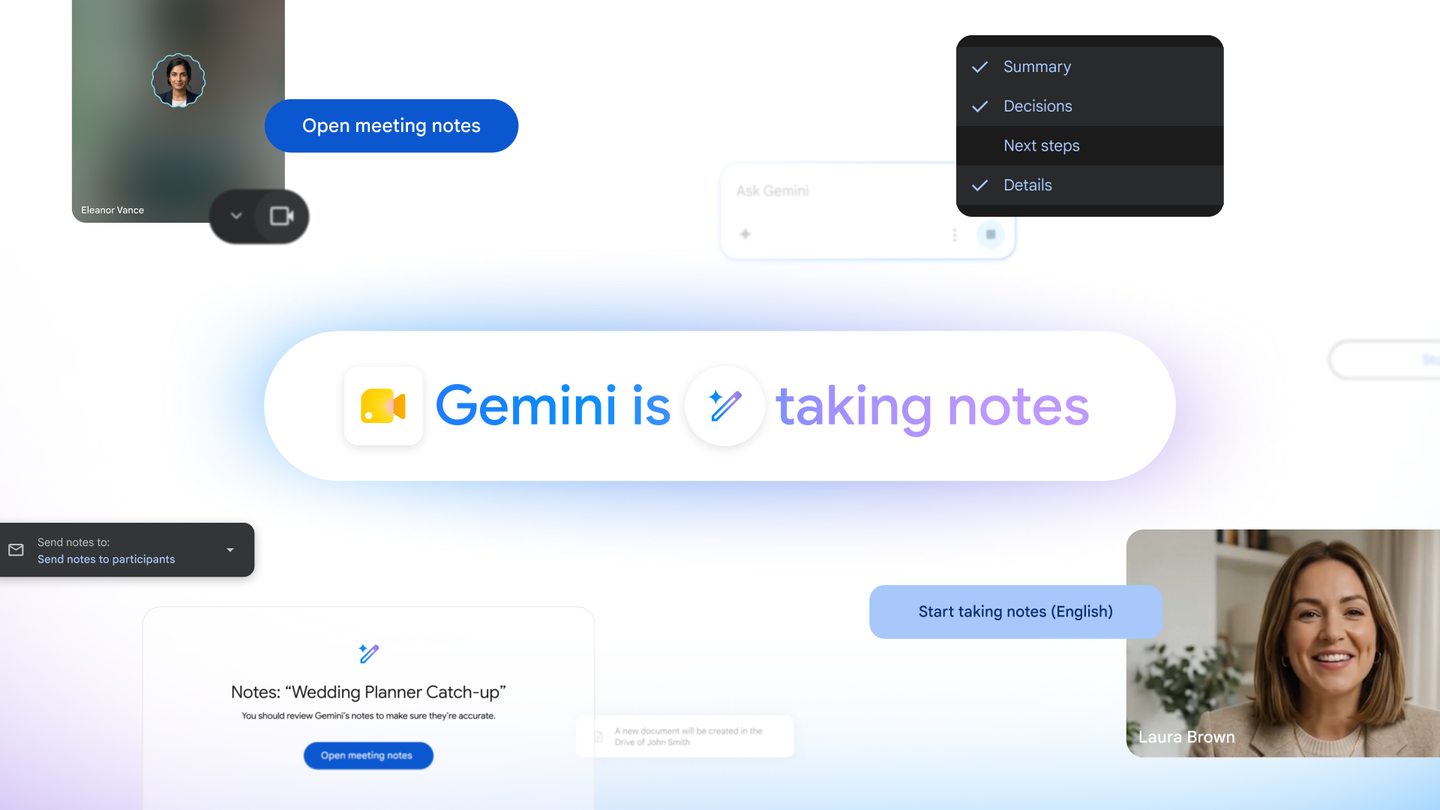
Google's official image of Take notes for me in Google Meet

<Official Google Meet “Take notes for me” service image 1.2>

Google's June 2026 announcement of Take notes for me in Meet says the feature notifies participants, captures a meeting, creates a summary and action items, saves the result as a Google Doc in Drive and emails a recap. The meeting, its record, its tasks and its shared document no longer have to be separate manual steps.

For an organization, that convenience immediately becomes a governance question. Participant consent, retention rules, external attendees and Drive sharing permissions must be designed together. Enabling Gemini is not the same as approving every confidential dataset for use.

NotebookLM is closer to a grounded workbench than web search

Once Drive fills with material, organization becomes the bottleneck. The official NotebookLM help page lists Docs, Slides, Sheets, PDFs, Word and PowerPoint files, images, audio, web URLs and public YouTube URLs as supported source types. Answers focus on the selected sources and citations let readers return to the supporting passage.

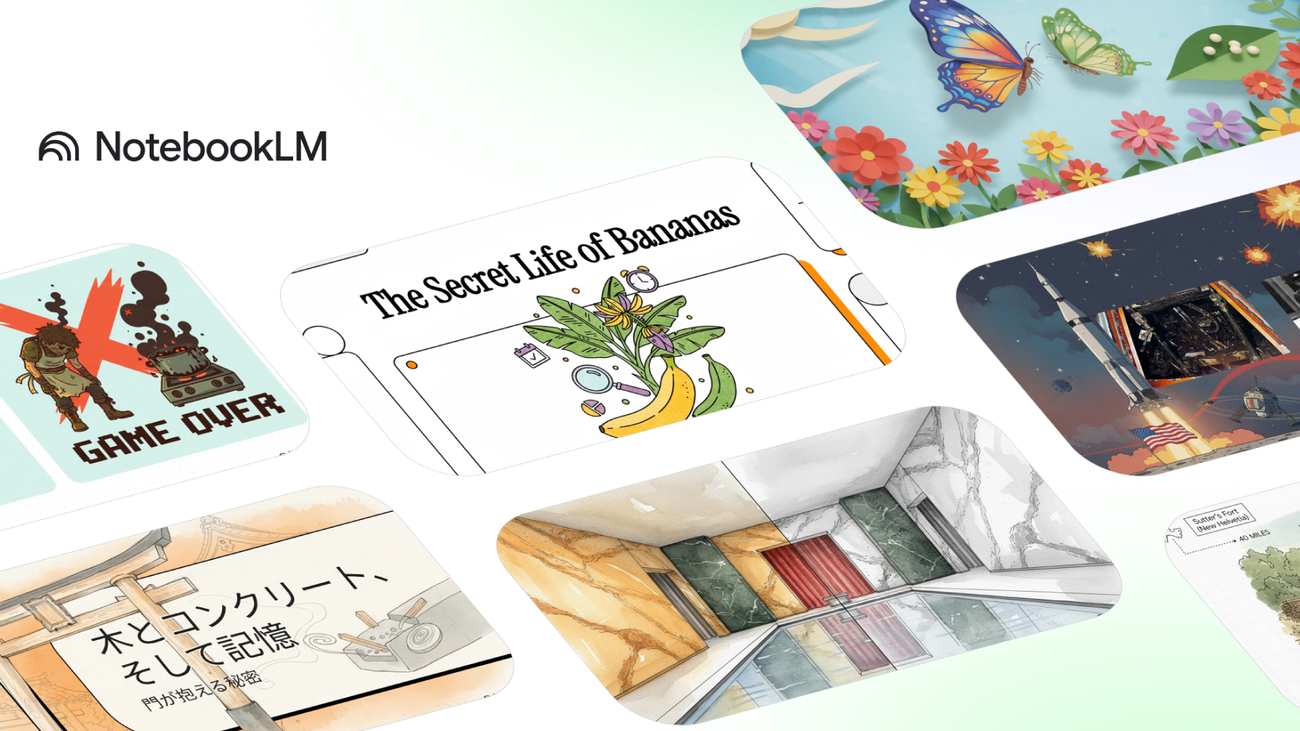
Google's official image introducing NotebookLM Video Overviews and Nano Banana

<Official NotebookLM and Nano Banana Video Overviews image 1.3>

Google says NotebookLM Video Overviews uses Nano Banana to create contextual visuals based on uploaded sources. The strategic connection is clear: Drive is the source repository, NotebookLM is a source-grounded analysis desk and Gemini is the general conversation and action surface.

NotebookLM is not an editor with arbitrary control over the Drive originals. A source can become unavailable when the underlying permission is lost, and comments or footnotes from Google files may not be fully imported. “Grounded” does not mean infallible; it means the verification path is shorter.

What does Microsoft Office integration really mean?

Google's native advantage remains Workspace. It would be an exaggeration to say that Gemini has the same deep control over Outlook, Teams and SharePoint that it has inside Google's own suite. What public documentation clearly supports today is file interoperability and generation.

Google's Gemini file generation announcement says the app can create Word (.docx), Excel (.xlsx) and PDF files as well as Google Docs, Sheets and Slides. NotebookLM can ingest Word and PowerPoint sources. A user can therefore analyze Office documents and deliver work back in Office formats, but that should not be confused with Workspace-level native control over Microsoft Graph.

An objective assessment: Google's moat is lower connection cost

Google's AI strategy deserves a high technical rating for three reasons:

  • One account, Drive and permission model spans Android, Workspace and NotebookLM.
  • Text, photos, PDFs, speech and video converge as inputs to one model family.
  • Consumer habits can graduate into the Gemini API and enterprise Vertex AI.

The costs are equally real. Product names and plans change frequently, rollouts differ by region, and a bad sharing configuration remains dangerous even when AI is added. Concentrating work inside Google also raises switching costs.

Even with those caveats, the consumer advantage is tangible. Google is filling the gaps among cameras, mail, files, meetings and schedules instead of adding only another standalone chat app. Part 2 examines how that network extends into solo brand creation and enterprise Vertex AI. Developers can also read our analyses of Gemini Interactions API and Gemini Managed Agents.

404 Dev Room 30 - Taming

Series · 404 Dev Room Webtoon · Ongoing Episode 30 · 404 Dev Room 30 - Taming The trainer in the AI coding room has changed. <...