Series · Text-Based AI Automation for Non-Developers
Episode 1 · Text-Based AI Automation for Non-Developers 1 - Servers and Access
Text-Based AI Automation for Non-Developers 1 - Servers and Access
This series explains how a plain-language instruction becomes a real output. Part 1 is not about choosing the most fashionable agent. It is about establishing an always-on computer, secure remote access and a route for completed work to leave the machine.
An AI coding agent can research, create files, revise an article and publish it from text instructions. If closing a laptop stops everything, however, the setup is closer to remote control than automation.
For a first project, completing one workflow on a small computer at home is often faster than searching endlessly for a free cloud server.
Why an AI automation server must stay online
A request such as “find today's sources, prepare a draft and save it to Drive” combines search, file creation, conversion and upload. It may run for minutes or hours. Schedules and incoming messages also require an always-on environment.
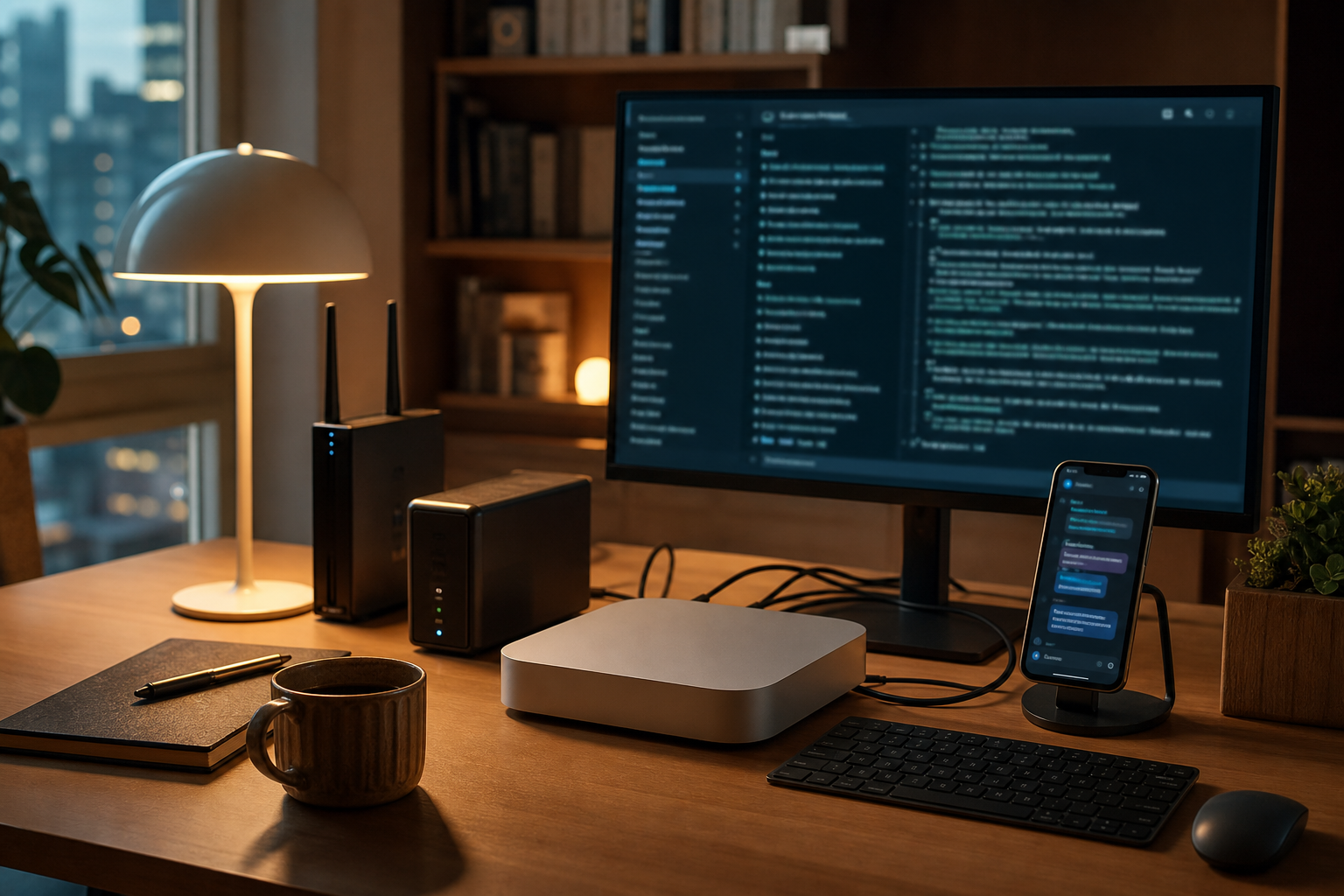
A Mac mini, mini PC or spare desktop is the simplest AI automation server. This form of home server automation makes local documents and photos easy to reach and keeps monthly cost predictable. The owner must manage power failures, sleep settings, router restarts and backups.
Cloud infrastructure becomes useful for public webhooks and continuous schedules. Oracle Cloud Free Tier, the Google Cloud Free Program, AWS Free Tier and Azure Free Services have different credit periods and free allowances. These policies change, so verify regions, limits, conversion to paid billing and idle-resource rules when signing up.
| Choice | Strength | Caution | Good first use |
|---|---|---|---|
| Mac mini or mini PC | Easy file access and predictable cost | Power, router and backup are yours | Documents, photos and publishing |
| Small cloud VM | Stable external access | Capacity and billing limits | Schedules and webhooks |
| Cloud Run-style service | Executes only on requests | Different from a long-lived agent | Short API relays |
Separate terminal access from chat access
Terminal access uses SSH to run Codex CLI, Claude Code or Gemini CLI on the server. It works from a phone, but exposing ports carelessly creates risk. Prefer SSH keys, a firewall, VPN or managed tunnel over passwords, and avoid permanent root sessions.
Chat access uses Telegram, Discord or Slack as the front door. Tools such as Hermes Agent can turn a message into a task without requiring terminal syntax. Restrict approved users, commands, directories and permission to publish externally.
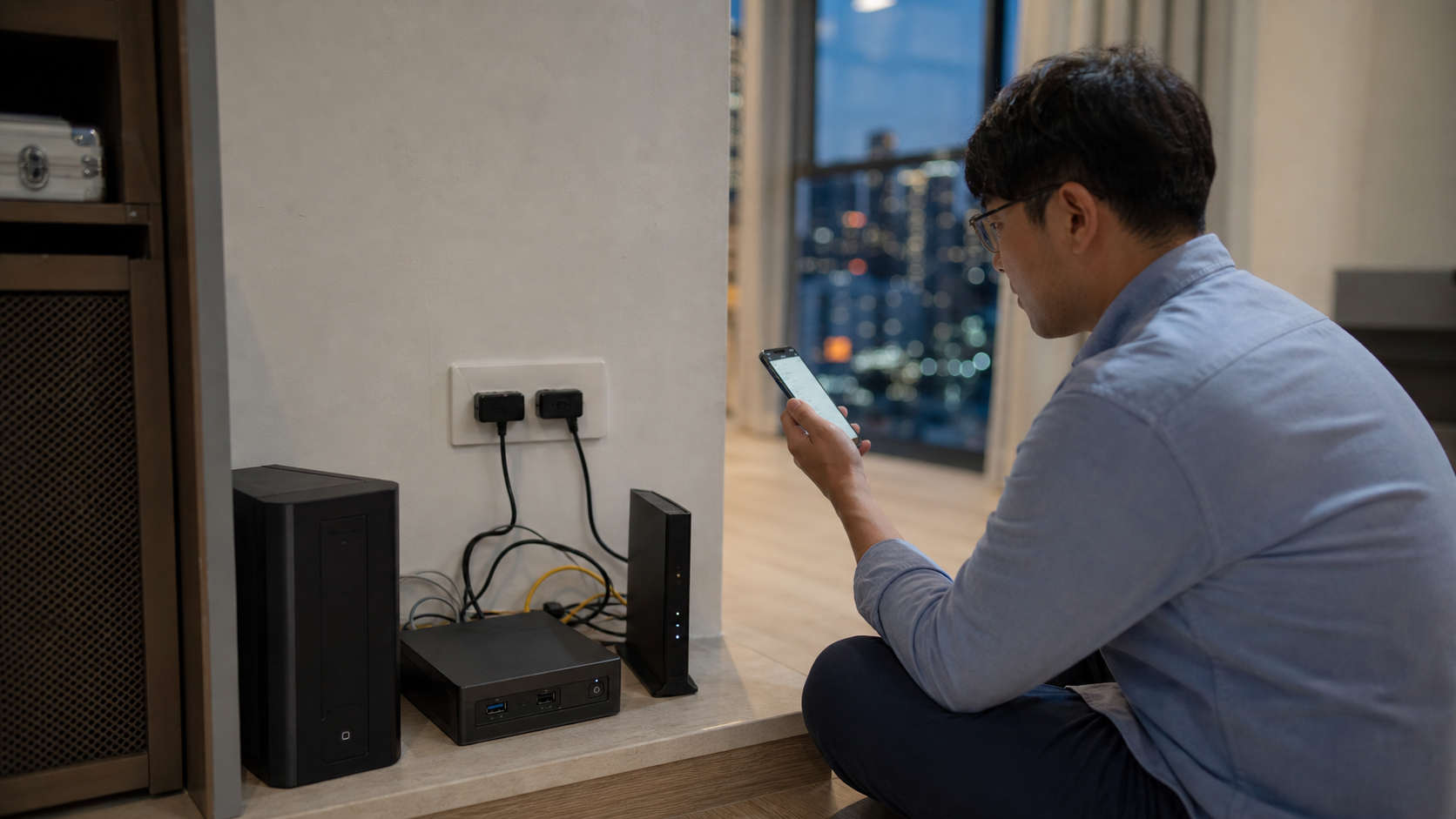
Do not combine password-based SSH, broad port forwarding and permanent root access. An automation server is a worker holding account tokens and files.
Design output sharing and authentication first
Outputs include documents, images, video, posts and repository changes. Drive, iCloud Drive and Dropbox can synchronize a designated folder; GitHub adds version history and recovery. A repository-oriented tool such as OpenAI Codex can connect file creation, verification and Git.
OAuth credentials, personal access tokens and API keys usually require one initial setup. Store them in an excluded secrets/ directory or environment variables, never in an article or public repository. Apply least privilege: an automation that reads documents does not also need deletion, billing and publishing rights.
Part 1 checklist
- Select a home server or small VM that will not sleep.
- Establish secure remote access with SSH keys or a trusted tunnel.
- Choose a synchronized output directory or Git repository.
- Store tokens outside version control and minimize permissions.
- Repeatedly test one task: summarize a document and save it to the chosen location.
Only after this foundation is reliable should image and video APIs be added. Part 2 compares text, image and video automation and provides a safe expansion order.



No comments:
Post a Comment