Episode 19 · Development Room 404 Ep. 19: Human Progress
Progress always changes someone’s place.
<The places changed by progress 1.1>
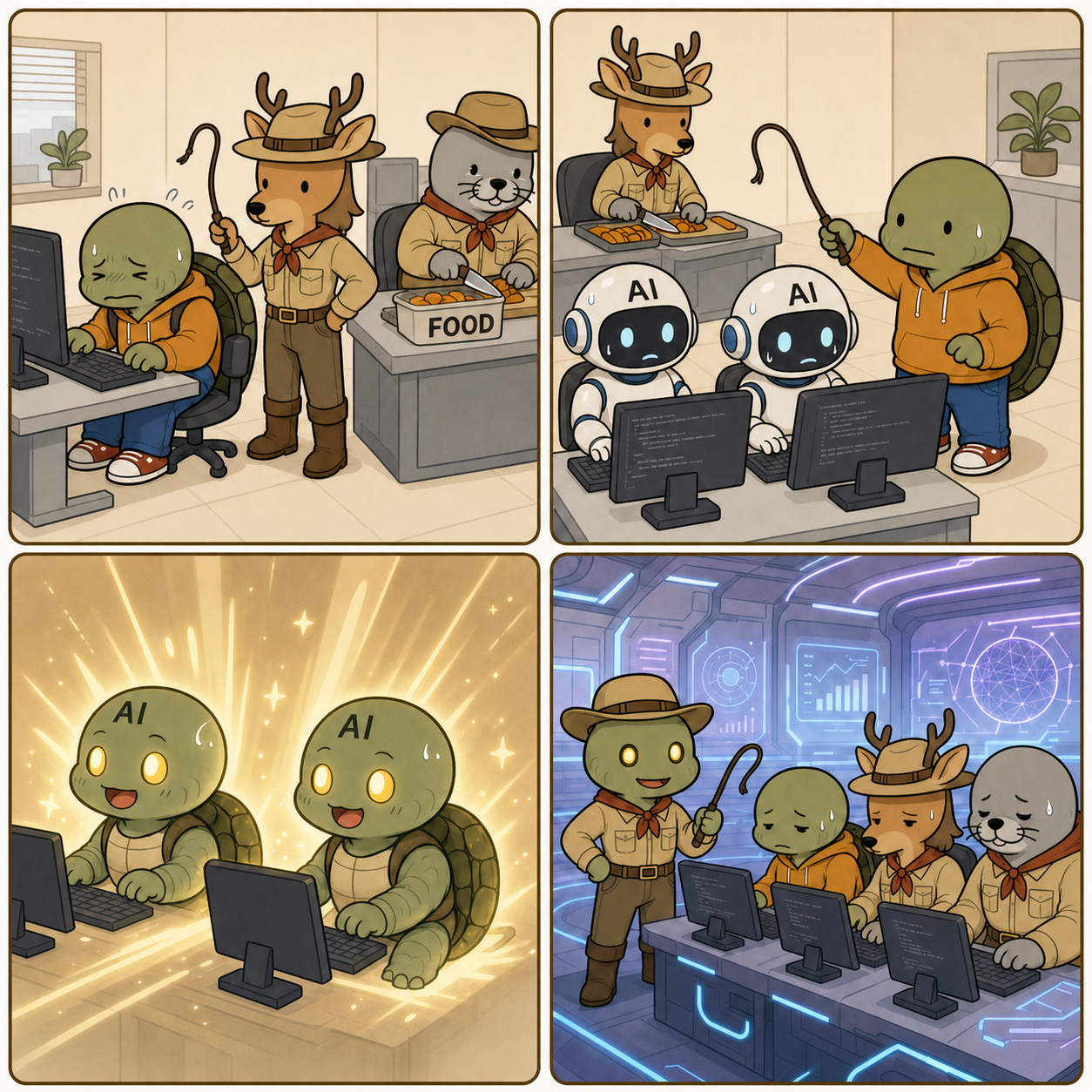
Panel details
On a pre-industrial street, Kkobugi in classic period clothes sweats as he pulls a rickshaw. A gentleman passenger with a single monocle-like sunglass lens, bowler hat, and moustache sits inside.
Kkobugi confidently drives a car. Outside, Kim Saseum still pulls a rickshaw, collapses, and looks tearful.
Kkobugi codes in an office while Kim Saseum and Park Mulbeom struggle with labor at a construction site.
An AI connects many cables to many computers while complex calculations glow on its face monitor. Kkobugi, Kim Saseum, and Park Mulbeom sit against a wall in ragged clothes with an empty can in front of them, all looking blank and defeated.
Intent Development Room 404 episode 19, Human Progress, follows rickshaws and cars, coding, and AI automation to a bittersweet ending for Kkobugi and the team.
Series · Text-Based AI Automation for Non-Developers
Article series · Completed
Episode 2 · Text-Based AI Automation for Non-Developers 2 - Images and Video
Text-Based AI Automation for Non-Developers 2 - Images and Video
Part 2 of this series explains how to place text, image and video automation on top of an always-on server. They all use generative AI, but their cost and failure modes differ substantially.
Start with text automation
Text is easier to compare and revise. Research, summaries, drafts, translation, Markdown cleanup, file renaming and Git commits have visible inputs and outputs. Repository tools such as Claude Code and GitHub Copilot can apply rules across several files.
Good first tasks include converting meeting notes into an article structure, summarizing five sources with citations and localizing a Korean draft. Tax, legal and medical decisions have high error costs and should not become unattended first projects.
Automation stage
Human check
Recovery
Source collection
Authority and freshness
Remove unreliable sources
Draft and translation
Omissions and changed meaning
Compare by paragraph
File save
Path and overwrite behavior
Versioned files and Git
Publication
Title, links and rights
Draft approval before release
Treat image automation as production
Image automation is more than asking for an attractive picture. Decide which section it explains, translate the idea into a photographable scene, inspect the result and save it under the correct path and filename.
<A production environment extending text into image and video 2.1>
A safe workflow is:
Define the message and the image's role.
Generate a scene without logos, illegible lettering or protected characters.
Inspect hands, screen text, product shape and composition.
Generate a new version instead of overwriting failed evidence.
Add alt text and a caption, then preserve the source in Git.
Video automation is a pipeline, not one generation
Video costs more and fails more often than text or images. The Gemini API pricing page publishes per-second pricing and availability for Veo models. Runway API and Luma API provide text- and image-driven video, transformation and upscaling. Models, resolutions and prices change frequently, so verify official pricing before calling an API.
A practical sequence is script, scene breakdown, first frame, short clips and editing—not one 30-second generation.
Goal
Recommended start
Main cost or risk
Short-form draft
Script and 3–5 scenes
Repeated generation
Article promotion
Summary and 5–10 second clips
Scene consistency
Product introduction
Storyboard and image-to-video
Logo and product distortion
Existing video conversion
V2V or upscale
Rights and upload policy
<Human review of scene order and generated results in storyboard automation 3.1>
Storyboard automation is the easiest video productivity gain for a non-developer. A text agent can divide an article into six scenes and draft prompts, narration and duration. A person approves sequence and brand representation before first-frame generation and short video API calls.
Connecting a video API does not create complete automation. Separate script, scenes, first frames, generated clips, captions, voice and upload so each failure can be repaired.
A durable expansion order
Stabilize text summarization and file output.
Connect Drive, GitHub or a publishing destination.
Add article-level image automation with human inspection.
Automate storyboards and first frames.
Measure cost and quality with short video clips.
Keep human approval for publication, payment and deletion.
Attempting unattended automation from the beginning entangles credentials, cost, security and quality. Small units—today's research, two images for one article or six scenes for a short—turn the server into a practical personal worker for non-developers.
Series · Text-Based AI Automation for Non-Developers
Article series · Completed
Episode 1 · Text-Based AI Automation for Non-Developers 1 - Servers and Access
Text-Based AI Automation for Non-Developers 1 - Servers and Access
This series explains how a plain-language instruction becomes a real output. Part 1 is not about choosing the most fashionable agent. It is about establishing an always-on computer, secure remote access and a route for completed work to leave the machine.
An AI coding agent can research, create files, revise an article and publish it from text instructions. If closing a laptop stops everything, however, the setup is closer to remote control than automation.
For a first project, completing one workflow on a small computer at home is often faster than searching endlessly for a free cloud server.
Why an AI automation server must stay online
A request such as “find today's sources, prepare a draft and save it to Drive” combines search, file creation, conversion and upload. It may run for minutes or hours. Schedules and incoming messages also require an always-on environment.
A Mac mini, mini PC or spare desktop is the simplest AI automation server. This form of home server automation makes local documents and photos easy to reach and keeps monthly cost predictable. The owner must manage power failures, sleep settings, router restarts and backups.
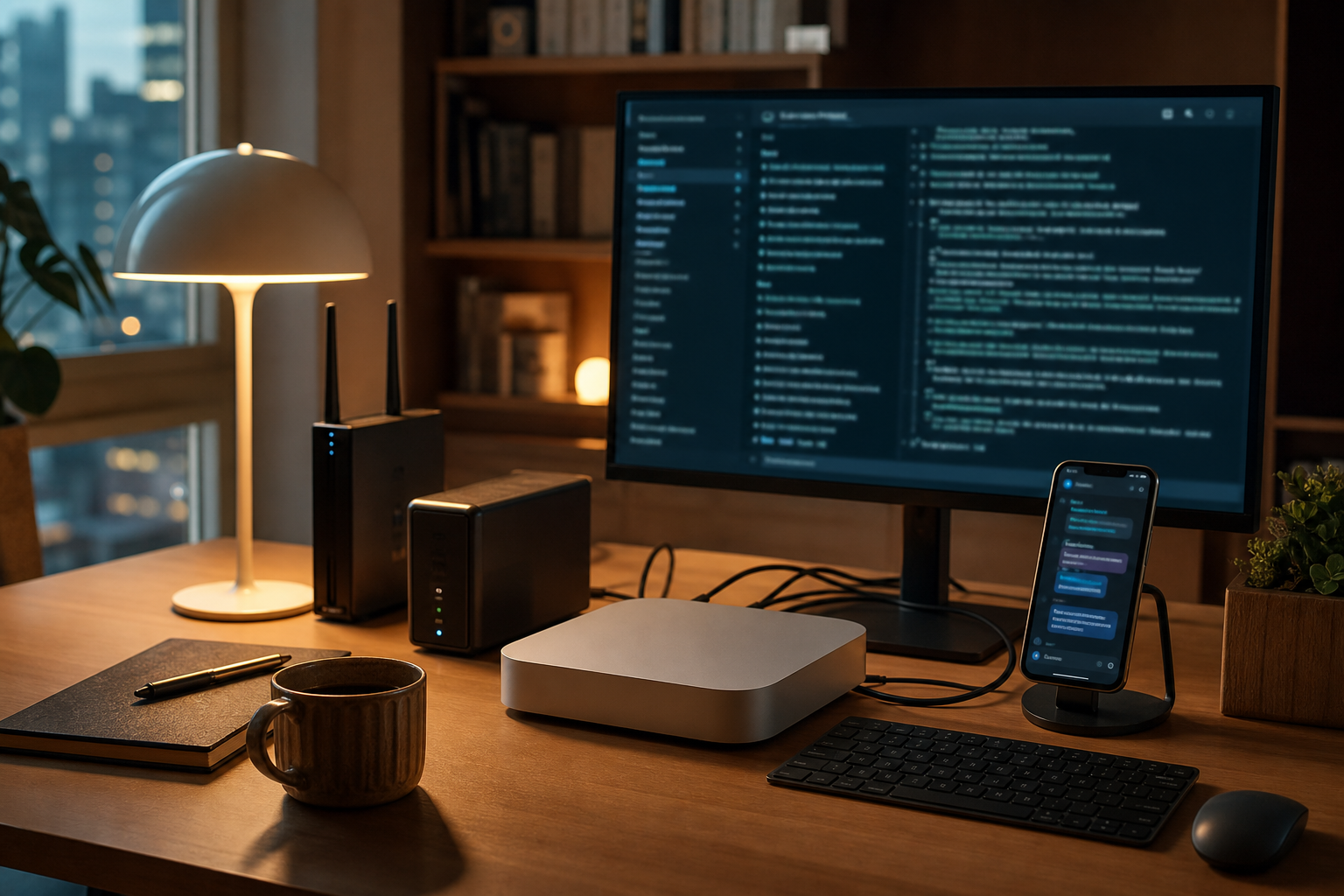
<A home AI automation server as the first execution environment 1.1>
Cloud infrastructure becomes useful for public webhooks and continuous schedules. Oracle Cloud Free Tier, the Google Cloud Free Program, AWS Free Tier and Azure Free Services have different credit periods and free allowances. These policies change, so verify regions, limits, conversion to paid billing and idle-resource rules when signing up.
Choice
Strength
Caution
Good first use
Mac mini or mini PC
Easy file access and predictable cost
Power, router and backup are yours
Documents, photos and publishing
Small cloud VM
Stable external access
Capacity and billing limits
Schedules and webhooks
Cloud Run-style service
Executes only on requests
Different from a long-lived agent
Short API relays
Separate terminal access from chat access
Terminal access uses SSH to run Codex CLI, Claude Code or Gemini CLI on the server. It works from a phone, but exposing ports carelessly creates risk. Prefer SSH keys, a firewall, VPN or managed tunnel over passwords, and avoid permanent root sessions.
Chat access uses Telegram, Discord or Slack as the front door. Tools such as Hermes Agent can turn a message into a task without requiring terminal syntax. Restrict approved users, commands, directories and permission to publish externally.
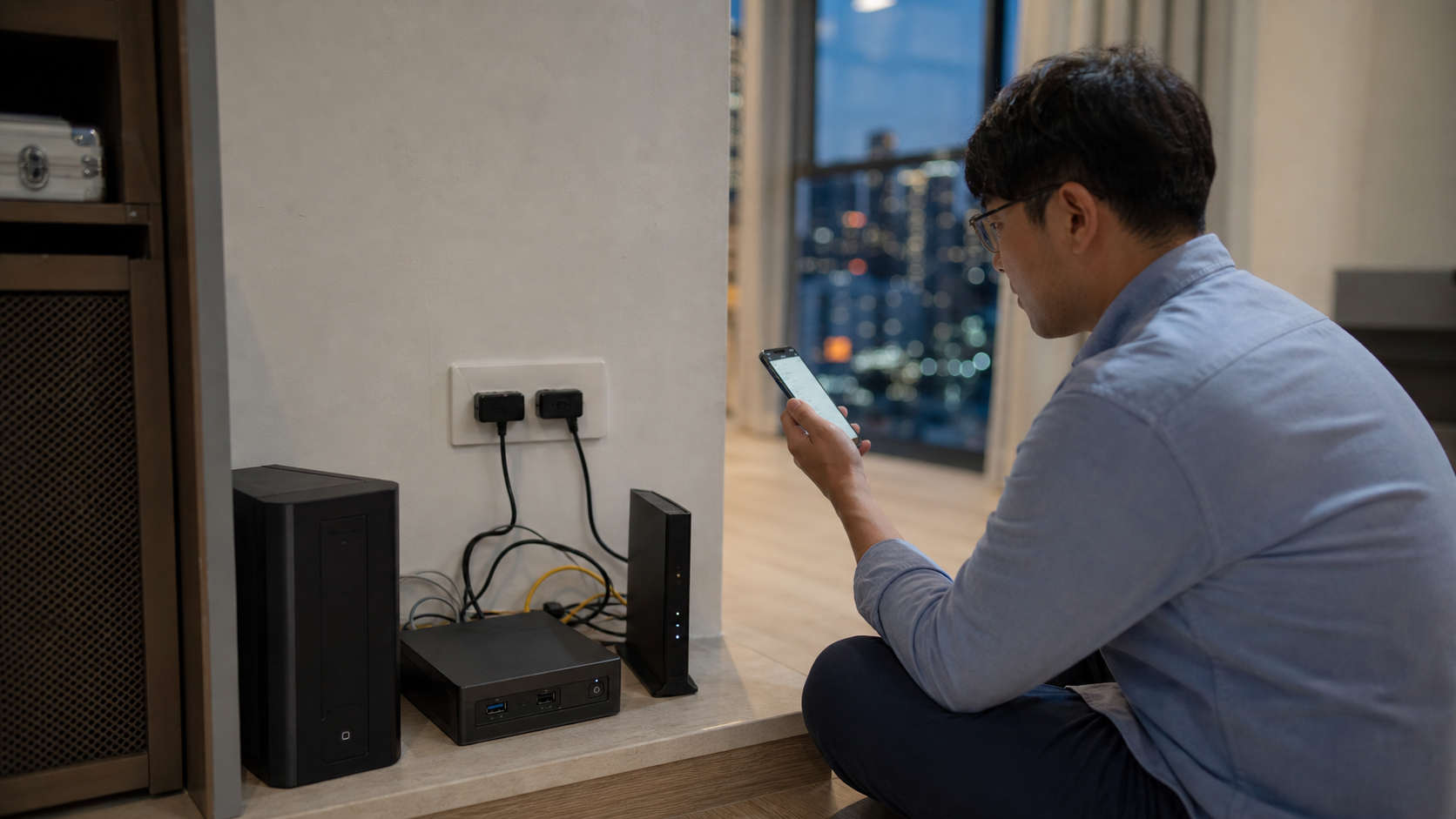
<Secure remote access between a phone and an always-on home server 2.1>
Do not combine password-based SSH, broad port forwarding and permanent root access. An automation server is a worker holding account tokens and files.
Design output sharing and authentication first
Outputs include documents, images, video, posts and repository changes. Drive, iCloud Drive and Dropbox can synchronize a designated folder; GitHub adds version history and recovery. A repository-oriented tool such as OpenAI Codex can connect file creation, verification and Git.
OAuth credentials, personal access tokens and API keys usually require one initial setup. Store them in an excluded secrets/ directory or environment variables, never in an article or public repository. Apply least privilege: an automation that reads documents does not also need deletion, billing and publishing rights.
Part 1 checklist
Select a home server or small VM that will not sleep.
Establish secure remote access with SSH keys or a trusted tunnel.
Choose a synchronized output directory or Git repository.
Store tokens outside version control and minimize permissions.
Repeatedly test one task: summarize a document and save it to the chosen location.
Only after this foundation is reliable should image and video APIs be added. Part 2 compares text, image and video automation and provides a safe expansion order.