Runway Gen-4 is worth watching because it moves the conversation about AI video generation away from one-off clips and toward repeatable scenes. The headline feature is not just sharper motion or a more cinematic sample. It is the promise of better character consistency, object persistence, and world consistency across shots—exactly the problems that decide whether a generated clip can fit into a real video generation workflow.
Runway's own research post describes Gen-4 as a new generation of consistent and controllable media, while its earlier note on general world models explains the broader ambition: systems that build internal representations of an environment and use them to simulate future events. For creators, that framing matters. A model that can keep a person, room, prop, or camera logic stable is more useful than one that only produces a beautiful five-second surprise.
Why consistency is the hard part of AI video
Text-to-image tools taught users to judge a single frame. Video asks for something harder: continuity. A character should not silently change their face between cuts. A cup should not move to the wrong side of a table. The lighting, costume, pose, and scene geometry need enough coherence that viewers focus on the story instead of noticing artifacts.
That is why Runway Gen-4 lands in a different category from casual clip generation. If a director, marketer, educator, or product team wants to turn an idea into a sequence, they need more than a prompt box. They need a way to establish a reference, generate variations, compare takes, and decide which outputs are safe to edit into the final piece.
This also connects to the rise of AI filmmaking. The strongest use cases are not necessarily full movies created with no human input. They are narrower jobs where iteration speed matters: mood boards, storyboards, previz, product explainers, background plates, or social clips that need consistent visual direction.
How Runway Gen-4 fits a production workflow
A practical Runway Gen-4 workflow starts with a reference: a character image, visual style, object, or scene concept. The user then supplies a prompt that defines action, camera movement, or atmosphere. The model generates candidate shots, and the editor selects, trims, regenerates, or combines them with conventional tools.
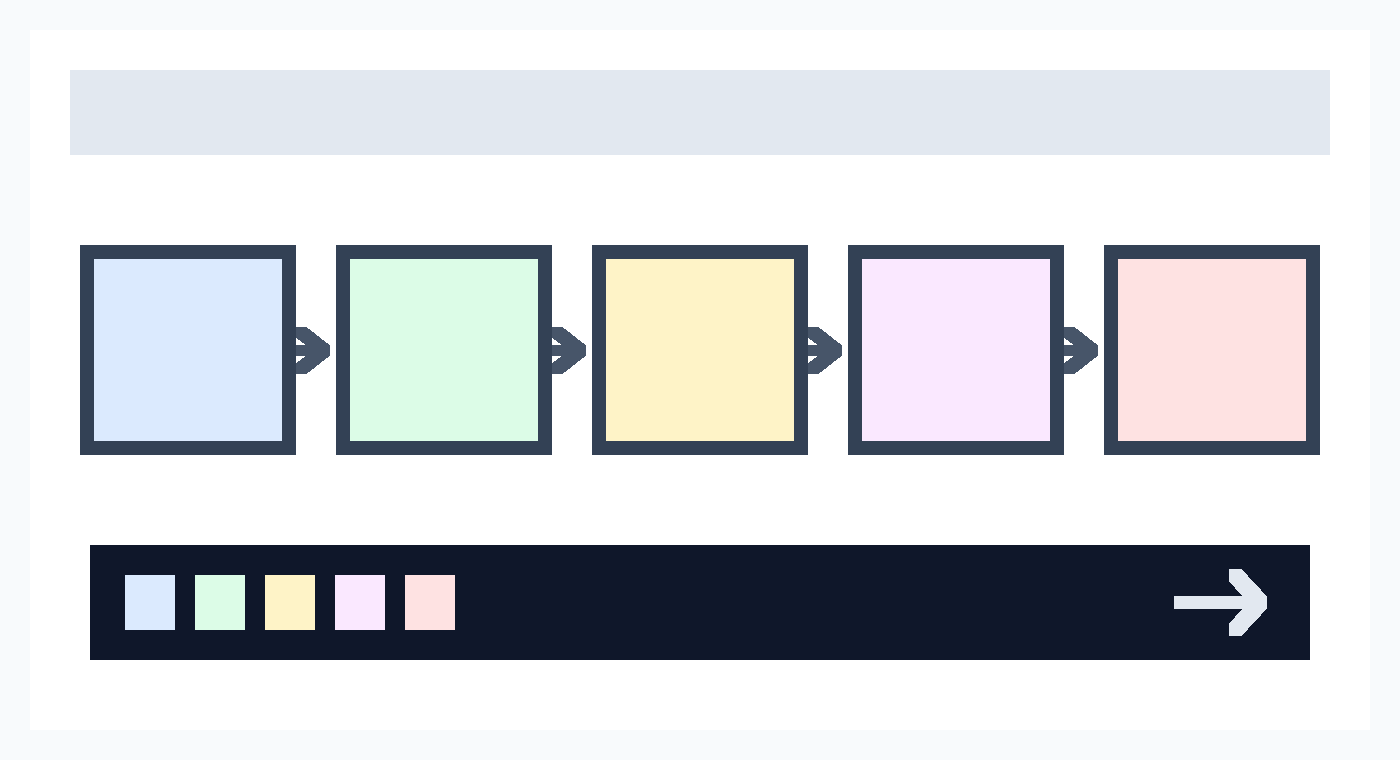
The important point is that the model is only one part of the system. A useful production process still needs versioning, review notes, rights checks, and export settings. Teams that already work with design systems or editing pipelines will recognize the pattern: the creative tool becomes valuable when the surrounding process makes its output repeatable.
| Workflow layer | What to decide | Why it matters |
|---|---|---|
| Reference input | Character, object, scene, or style anchor | Reduces drift across shots |
| Prompt design | Action, camera, lighting, and mood | Turns visual intent into editable candidates |
| Review loop | Continuity, artifacts, rights, and brand fit | Prevents impressive but unusable output |
| Export and edit | Format, timing, captions, and handoff | Connects generated clips to real delivery |
This is where teams can learn from product readiness thinking. A demo can be exciting even when it fails half the time. A production workflow needs predictable failure handling, clear review ownership, and a shared definition of “good enough.”
The limits creators should check first
The first limitation is verification cost. Better character consistency does not remove the need to watch every shot. Faces, hands, text, motion, shadows, and object placement can still drift. If the clip includes a public figure, a recognizable brand, or a sensitive social context, the review burden grows.
The second limitation is rights management. AI video systems can help generate original material, but teams still need rules for reference images, likeness, trademarks, music, and downstream distribution. A safe workflow records what inputs were used and who approved them.
The third limitation is platform dependence. If a team builds a whole campaign around one vendor's controls, model behavior, pricing, or export options, moving later may be expensive. Before adopting any AI video platform, check whether the team can keep source prompts, references, edit decisions, and final files in formats that remain useful outside the service.
Finally, world consistency is not the same as physical truth. Runway's world-model framing is important, but current systems should still be treated as generative tools, not simulators for safety-critical decisions. They are best used where humans can review the output and where visual plausibility is not confused with factual evidence.
Bottom line
Runway Gen-4 matters because it targets the gap between impressive AI video demos and usable creative workflows. Character consistency and world consistency make generated clips easier to direct, compare, and edit, but they do not eliminate human judgment. The safest starting point is a small project with clear references, a written review checklist, and a plan for what happens when the model produces a beautiful but unusable shot.




No comments:
Post a Comment