Arguments about why developers choose Macs often turn into a small religious war. From my experience working on web, finance, and public-sector projects across startups and small companies, the answer is usually less about the Apple logo and more about reducing friction between local development tools and the environment where software actually runs. It is not a universal answer for every developer, but it is a practical one.
There are many areas where Windows is the more natural choice: game development, Windows desktop applications, specific embedded toolchains, and enterprise software tied to Microsoft infrastructure. This article is not a statistical claim about all Korean developers. It is an experience-based explanation of why Macs often appear in web and server-centered teams.
Developers want tools close to production
Key details at a glance
| Reader question | Practical takeaway |
|---|---|
| What this article explains | Why Developers Choose Macs: Environment Over Preference |
| Core SEO focus | why developers choose Macs, Mac development environment, macOS UNIX |
| How to read it | Separate the durable signal from vendor messaging, short-term hype, and implementation friction. |
| For a web developer, the laptop is not the final destination. Code eventually runs on servers, containers, and cloud runtimes. In W3Techs’ June 2026 operating-system survey of websites where the server OS could be identified, Unix-like systems accounted for 91.7%, while Windows accounted for 8.5%. That number does not explain game development, embedded work, or internal Windows applications, but it does show the direction of many web production environments. |
In Korean web development as well, deployment to Linux servers is common. Case-sensitive file systems, path notation, execute permissions, shell commands, line endings, and native packages can all become reasons a project works locally but fails after deployment. The reason I started using a Mac was not style. It was to run into fewer of those small environment mismatches.
One correction matters here: a Mac is not Linux by default. macOS comes from the Darwin and BSD lineage, and it appears in The Open Group’s UNIX 03 certified product register. A macOS UNIX environment therefore feels close to Linux server work in its command style and development habits, but it is not the same operating system at the kernel, package-management, or system-call level.
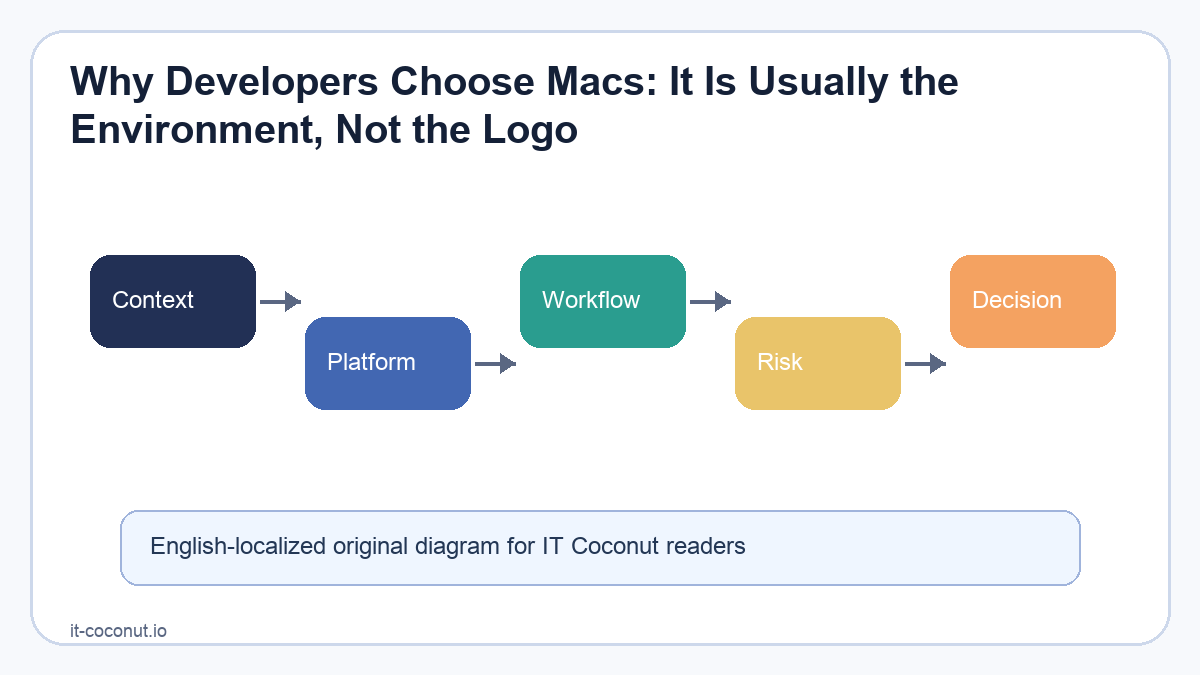
The development environment is not identical to production
The phrase “Macs match production” is only half true. The commands and habits are closer, but the environments are not identical. Docker Desktop for Mac, for example, does not run Linux containers directly on the macOS kernel. It runs them inside a lightweight Linux VM.
CPU architecture matters too. A container image or native module built on an Apple Silicon arm64 laptop can behave differently on an amd64 production server. Choosing a Mac does not remove all environment differences; containers, CI, and builds that explicitly target production still matter. Containers reduce the gap, but they are not a certificate that the gap has disappeared.
Why Mac preference makes sense in the Korean market
It is hard to find a reliable recent dataset that divides Korean developers cleanly into web, game, and embedded groups. Market revenue by software segment gives at least a clue about why web and enterprise-system experience is so visible in developer conversations.
According to a business report citing SPRi and IDC data from May 2024, Korea’s packaged software and IT services market was 4.9115 trillion won in finance and 3.0713 trillion won in government and public-sector work. Together, those two segments made up about 42.1% of the 18.9586 trillion won total. In that same table, finance was slightly larger than manufacturing when packaged software and IT services were combined.
That does not mean 42.1% of Korean developers work in finance and government, or that all of them use Linux and Macs. Revenue mix, worker distribution, and client operating systems are different measurements. Still, it does confirm that large enterprise systems, including finance and public-sector work, occupy a significant share of Korea’s software market. That also connects with the long role of Java and Spring in Korea’s web technology history.
Windows is the better choice for many developers
Mac preference should not be treated as a marker of developer skill or identity. Visual Studio, .NET Framework, DirectX, many game-engine tools, and vendor-specific firmware utilities can be best supported on Windows. Many companies also design their security agents and group policies around Windows machines.
A Linux desktop can be even closer to production servers. The trade-off is that office software, peripherals, commercial applications, battery life, power management, and general laptop polish must also be solved. A Mac often becomes a realistic compromise between Unix-like development tools and a polished commercial desktop.
The developer CLI and Apple ecosystem advantage
The terminal is what keeps many developers on Macs, and this is where the developer CLI workflow becomes more than a slogan. ssh, git, shells, package managers, language runtimes, and build tools can be connected into one workflow. Repetitive work can become a small shell script, and similar commands can often be reused in CI.
In the past, learning shell syntax was a real barrier to automation. Today, AI coding tools can draft commands from task conditions and error logs, while humans still review permissions, paths, deletion scope, and environment variables. That lowers the entry cost, but it does not remove the need to check what a command will actually do.
LLM tools also fit naturally with terminals because they read and write text. Logs, diffs, test results, and file paths are already structured text. An agent can use the result of one command as the input to the next decision. Recent tools such as OpenAI Codex and Claude Code do not simply replace graphical interfaces; they expand what a composable command-line workflow can do.
For Apple platform development, the case is more direct. Apple’s official documentation describes Xcode as the toolchain for developing, testing, and distributing apps across Apple platforms. It includes device simulators and command-line tools such as clang, xcodebuild, xcrun, and notarytool. For small teams building both web and mobile products, the ability to handle iOS Simulator, signing, archiving, and deployment from the same machine is a major advantage. The resource requirements rise when Xcode Simulator and AI coding tools run at the same time.
The iPhone connection, stable sleep and battery behavior, trackpad quality, and consistent hardware configuration also matter. They are not server-development features in a narrow sense, but they reduce friction in a machine used all day. Developers are sensitive to the accumulated cost of small daily annoyances.
In the end, a Mac is a cost calculation
I do not choose a Mac because developers are special. I choose it because the benefit of getting a Unix-like terminal, a workflow that feels close to Linux servers, Apple platform tools, and a polished laptop environment in one machine is greater than the price and switching cost for my work.
The opposite can also be true. If Windows-only tools are central to the job, or if a company standardizes on Windows, a Mac becomes an expensive detour. If someone is comfortable running a Linux desktop, that can be the more direct choice. A good development machine is not the one other developers praise most. It is the one that creates the least friction across the whole loop of local testing, deployment, and incident investigation.
If I had to compress my experience into one sentence: developers are not necessarily attached to the Mac itself. They are attached to an environment where they fight less with the gap between tools and production.
References
- W3Techs operating system statistics for websites
- The Open Group UNIX 03 certified product register
- Apple documentation for installing Xcode command-line tools
- Apple Xcode support and simulator information
- Docker Desktop for Mac permission and Linux VM notes
- Business report containing Korean software market segment data



No comments:
Post a Comment