Hermes Agent is an open-source personal AI agent from Nous Research. Instead of living only inside an IDE, it can run on a computer or server and connect language models, terminal commands, files, messaging, scheduled jobs, skills, and logs into one automation environment.
The appeal is easy to understand: send an instruction from Telegram, let a home Mac or small server do the work, store the result in Git or a knowledge vault, and receive a summary back. That turns a personal machine into an always-available AI worker.
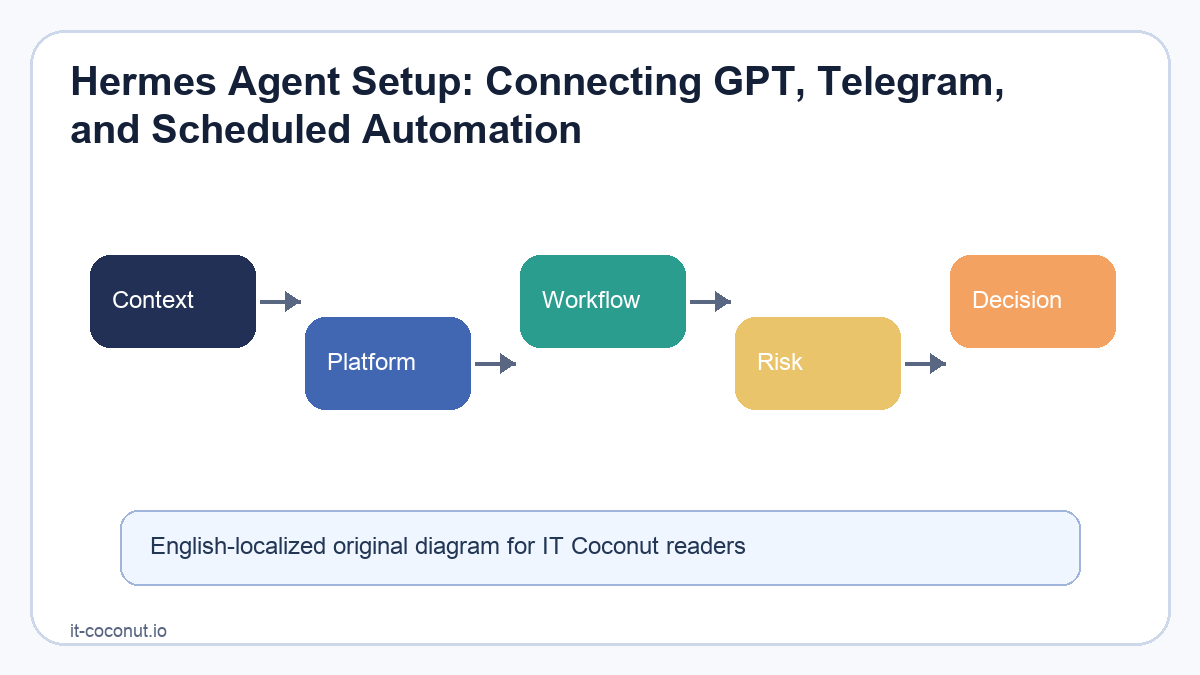
What Hermes connects
Key details at a glance
| Reader question | Practical takeaway |
|---|---|
| What this article explains | Hermes Agent Setup: Connecting GPT, Telegram, and Scheduled Automation |
| Core SEO focus | Hermes Agent setup, Hermes Telegram, Hermes cron |
| How to read it | Separate the durable signal from vendor messaging, short-term hype, and implementation friction. |
A typical setup starts with a model provider. Hermes can be configured for hosted models, API providers, or local models depending on the environment. For users who want coding assistance, OpenAI Codex authentication is one route. For daily automation, Telegram can become the remote control, while scheduled tasks run recurring jobs without manual starts.
The important part is not any single integration. It is the operating model: sessions, tools, files, memory, reusable skills, and delivery channels live in one runtime. That makes it possible to build routines such as daily research, repository maintenance, document cleanup, or notification workflows.
Practical cautions
An always-on agent should be treated like a small production system. Keep secrets out of Git, scope tool permissions, separate test data from real accounts, and keep logs useful without exposing private tokens. Scheduled jobs should have clear outputs and should not silently modify important files without a review habit.
The strongest use case is personal leverage. Hermes can help with writing, coding, research, and operations, but it works best when the user defines safe boundaries and repeats the same workflow enough to turn it into a skill. In that sense, Hermes is less like a chatbot and more like a programmable assistant that lives where the work already happens.
Where setup work usually fails
Agent setup often fails at the boundaries rather than inside the model. A Telegram bot token may be valid while the webhook is wrong. A scheduled task may be defined while the destination chat is not attached. A model provider may answer normal prompts but fail when a tool call needs filesystem or network access.
What to verify before relying on automation
A reliable setup should prove three things: the agent can receive a message, it can execute the intended tool safely, and it can deliver the result to the correct channel. For scheduled automation, the test should include one manual run and one real cron tick so delivery timing and session attachment are both checked.
Practical takeaway
Hermes is most useful when it is treated as an operating layer for repeatable work, not just a chat interface. The setup process should therefore document credentials, delivery targets, model defaults, and rollback steps before the first important automation is trusted.
For readers comparing search terms, this article is also relevant to OpenAI Codex OAuth.
Primary sources
- hermes-agent.nousresearch.com reference
- GitHub documentation
- hermes-agent.nousresearch.com reference
- hermes-agent.nousresearch.com reference
Provider choice and fallback planning
The model provider is only one part of a usable agent setup. A production-minded configuration should also define fallback behavior, token-budget expectations, and what happens when a provider changes rate limits or temporarily fails. That is especially important for scheduled jobs, where no human is present to repair the run in the middle of execution.
Delivery channels and privacy boundaries
Telegram delivery makes an agent convenient, but it also creates a boundary that should be explicit. A scheduled result should go only to the intended chat or thread, and secrets should stay in local ignored files rather than in prompt text, chat history, or committed configuration. The setup is successful only when convenience and containment work together.
Related reading
For broader context, read AI coding agents.
A second useful reference is vibe coding.
Readers following the infrastructure side may also want Claude 4 agentic coding.




No comments:
Post a Comment