When people compare AI models, they often see numbers such as 7B, 14B, and 70B. Those numbers count parameters: learned numerical values in the model. More parameters can provide more representational capacity, but quality, speed, and GPU memory are not determined by parameter count alone. Our guides to AI-server GPU bottlenecks and GPU-cloud economics show why model size quickly becomes an infrastructure cost.
Parameters, weights, and model size
A neural network passes inputs through layers using many multiplications and additions. The numbers adjusted during training are parameters. Weights are the important parameters multiplied along connections; biases, embeddings, and normalization values are also parameters in the broader accounting. The terms are often used interchangeably in casual explanations, but they are not perfectly identical.
Model “size” usually means parameter count. Runtime memory starts with parameter count × numerical precision.
| Format | Approximate bytes per parameter | 70B weights alone |
|---|---|---|
| FP16/BF16 | 2 bytes | about 140GB |
| INT8 | 1 byte | about 70GB |
| 4-bit quantization | 0.5 byte | about 35GB |
Real VRAM also needs KV cache, runtime buffers, framework overhead, and headroom. So “70B at 4-bit is about 35GB” is a lower-bound calculation, not a promise that every 35GB card will run it comfortably. Longer context and larger batches require more memory.
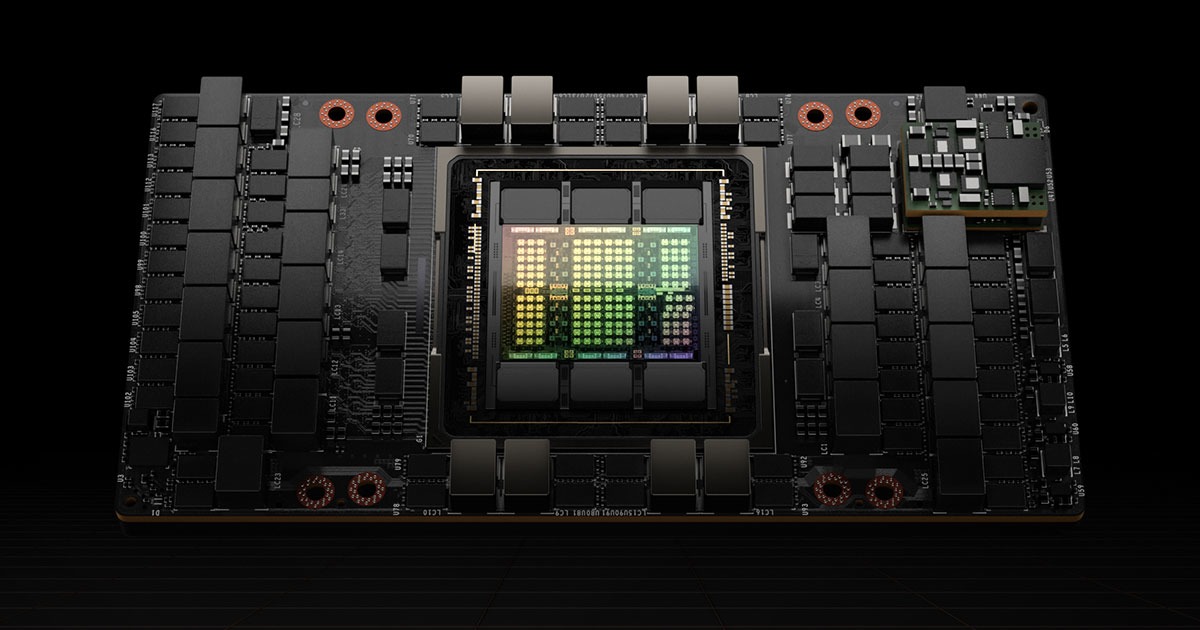
Practical execution ranges by parameter size
This table is a conservative practical guide based on weight memory and ordinary inference headroom. Quantization, context length, kernels, and model architecture can move the boundary, so these are not hard cutoffs.
| Hardware | Practical range to expect | Reading the result |
|---|---|---|
| RTX 5090 32GB | 7B–14B comfortably; 20B–27B mainly at 4-bit | 30B+ usually needs low context or offloading |
| One H100 80GB | Around 30B in BF16; 70B at 4-bit | 40B BF16 is about 80GB for weights alone and leaves no headroom |
| Four H100 80GB | 70B BF16 comfortably; 100B–120B depending on batch and context | 150B+ requires careful sharding and deployment design |
| Four H100 80GB, 300B-class | Ordinary dense BF16 is not practical | 300B needs about 600GB for BF16 weights alone; MoE still stores total weights |
NVIDIA itself describes H100 NVL, with 188GB of combined HBM, as a configuration for Llama 2 70B. That is a useful real-product reference against the claim that a 70B BF16 model fits comfortably on one 80GB H100. A 70B 4-bit model may fit on one card, while BF16 naturally benefits from combined memory such as H100 NVL.
The RTX 5090’s 32GB of GDDR7 expands the realistic range for personal quantized models. But the speed difference between 14B and 30B depends on memory bandwidth and optimized kernels as well as file size. In servers, simply adding GPU memory is not enough: tensor parallelism and GPU-to-GPU communication also cost time.
Open-weight models worth trying on an M4 MacBook
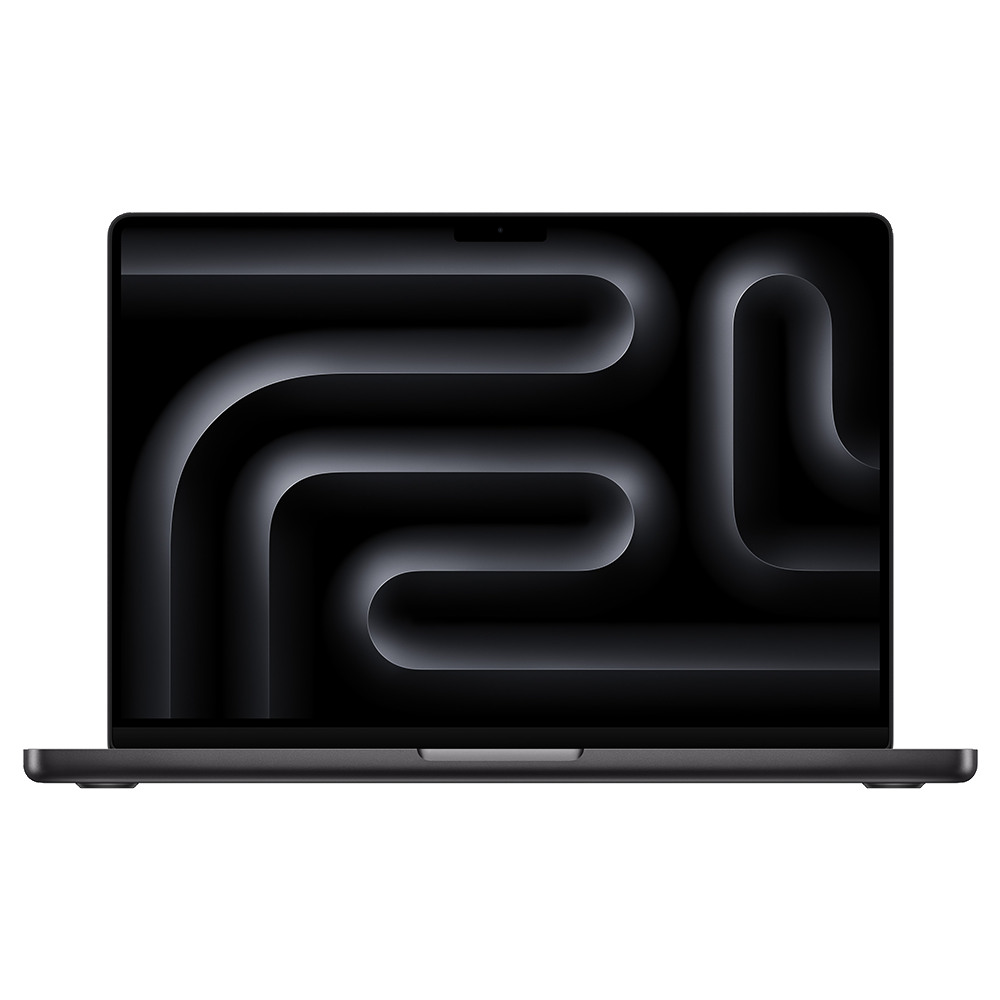
On the 48GB unified-memory M4 MacBook Pro used by the author, the operating system and applications share memory with the GPU. The full 48GB is not available to the model.
- 8B–14B at 4-bit or 8-bit: Qwen3 8B/14B, Llama 3.1 8B, Gemma 3 12B, and DeepSeek-R1-Distill-Qwen-14B are sensible starting points.
- 20B–32B at 4-bit: possible, but long context and fast responses become difficult to combine. Check quantization quality for coding and reasoning models.
- 70B at 4-bit: not a general recommendation for a 48GB MacBook once file size and runtime headroom are included. Even a 128GB unified-memory model is not guaranteed to feel laptop-fast.
Ollama, LM Studio, and MLX are low-friction ways to begin with local AI. Always check the model license: open weights mean the checkpoint is available, not that commercial redistribution or hosted service is unrestricted. The main advantage of local Mac AI is control over private documents and a low entry cost, not maximum throughput. Apple’s MacBook Pro specifications explain the relevant unified-memory configurations.
Why current GPU prices feel so different
Public figures available in early August 2026 show a sharp difference between consumer GPUs and data-center accelerators.
| GPU or configuration | Available price reference | Caveat |
|---|---|---|
| GeForce RTX 5090 | $1,999 launch MSRP; recent market reporting around $4,288 | Highly volatile by inventory and region |
| H100 | Industry estimates around $25,000–$40,000 | Market estimates, not a normal NVIDIA consumer MSRP |
| H100 cloud rental | Public on-demand comparison around $3.85–$12.29 per GPU-hour | Region, commitment, host, and network change the price |
| HGX B200 8-GPU server | 2026 market estimate around $400,000–$500,000 | Complete server estimate, not a one-card retail price |
Compare the RTX 5090’s MSRP and street price using NVIDIA’s official marketplace and Tom’s Hardware’s market tracking. For H100, combine NVIDIA’s specifications with Google Cloud’s GPU price table and independent rental comparisons. For most individuals, renting H100 time is more rational than buying one.
Conclusion: personal agents will arrive from both directions
Parameter count indicates potential representational capacity, but practical usability is determined by precision, quantization, context, bandwidth, and software optimization together. Today, an M4 with 48GB is a sensible home for 8B–14B local models, while 30B-class models require compromises. One H100 makes 70B quantized inference realistic; four H100s make 70B BF16 much more comfortable.
My one-line hope is simple: I want to install a personal model on my own computer and use an AI agent that only I control. That future will probably be built by both smaller models and smarter graphics hardware. It also needs file permissions, sandboxing, and approval gates before a local agent becomes a trustworthy personal assistant.




No comments:
Post a Comment