When people imagine AI agents working on the web, they often picture software that clicks through pages the way a person would. In practice, that approach is fragile. Button positions change, pop-ups interrupt flows, and the same form can expose different DOM structures depending on a user’s state. WebMCP, introduced by the Google Chrome team at I/O 2026, is an attempt to solve that problem at the web-platform layer.
The central idea is that a website can explicitly tell browser-based agents which structured tools are safe to call. A user grants permission, and the agent works with machine-readable functions or forms instead of guessing from pixels and markup. If remote MCP is about connecting agents to servers and tools, WebMCP focuses on the boundary between the browser and the web page itself. That makes browser AI less like a screen-scraping bot and more like a permissioned runtime for web agents.
Background
In Chrome’s announcement, WebMCP was described as a proposal for turning websites into agentic toolkits. The experimental origin trial is planned for Chrome 149, and Gemini in Chrome is expected to support WebMCP APIs. Google’s I/O 2026 developer keynote recap placed Modern Web Guidance, Chrome DevTools for agents, and Chrome built-in AI APIs in the same workflow. The direction is clear: agents should be able to build code, verify it in the browser, and interact with web services under user-approved constraints.
That matters because the hardest failure points for agentic AI outside the app sandbox usually sit at the interface layer. A language model may write fluent text, but workflows such as payment, booking, account changes, and applications depend on permissions, state, validation, and cancellation paths. WebMCP is less about “what did the agent click?” and more about “which intention was executed, through which declared capability, under which limits?”
| Area | Screen-clicking agent | WebMCP-style approach |
|---|---|---|
| Target | Buttons, fields, DOM layout | Declared functions, forms, and site tools |
| Typical failure | Layout changes, pop-ups, hidden state | Permission design, tool schemas, server validation |
| User control | Watching the screen and undoing later | Approval before calls and scoped permissions |
| Developer focus | Stabilizing UI automation | Tool definitions, audit logs, exception handling |
How It Works
Consider a travel-booking site. A conventional agent has to type departure and arrival cities, open a date picker, click filters, and read the results. In a WebMCP-style design, the site can expose callable capabilities such as searchFlights, holdReservation, or compareHotelOptions. The agent calls those tools only within the scope the user has approved, shows the result to the user, and asks for fresh confirmation before sensitive steps such as payment.
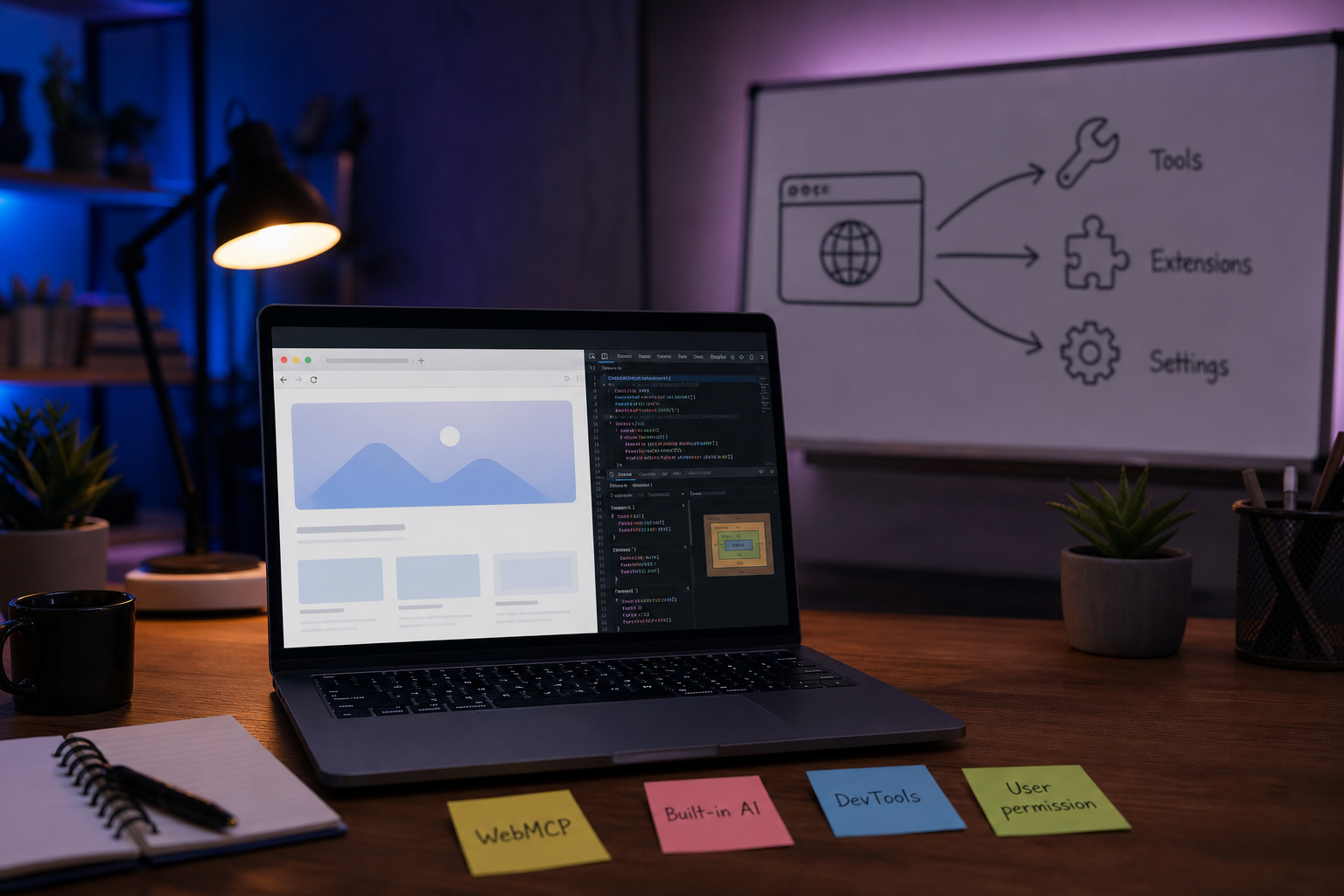
Chrome built-in AI belongs to the same shift. If translation, language detection, and future writing or summarization features can run in the browser, some product experiences can reduce server calls, latency, and the movement of private text. That does not mean every model runs locally on every device with equal speed. Chrome’s framing is that the browser can manage models and share optimized execution across sites. For developers, the new question becomes: before sending a task to a server-side API, can the browser perform it safely and well enough?
Architecture
Adding WebMCP to a product does not make a site autonomous by itself. The practical structure has four layers. First, the web app defines callable tools and their input schemas. Second, the browser exposes those tools to an agent in a controlled way. Third, the user approves the relevant account, price, and personal-data boundaries. Fourth, the server still validates final authority and business rules.

This also changes developer tooling. Chrome DevTools for agents gives agents access to console logs, network traffic, and accessibility trees, so they can reproduce and diagnose issues in a real browser. Instead of a human simply saying “test it,” an agent can inspect performance and accessibility evidence and propose fixes. Even then, responsibility stays with the delivery pipeline. The more automated fixes become, the more important tests, rollback paths, audit logs, and product readiness checks become.
Checkpoints
- WebMCP is still closer to a proposal and an experiment than a fully settled deployment baseline. Teams should track conditions such as the Chrome 149 origin trial and limit experiments to well-bounded flows.
- The tools exposed by a site become a new attack surface. Input validation, permission separation, rate limits, and reconfirmation for sensitive actions need to be part of the design from the start.
- Browser built-in AI can reduce cost and latency, but model availability, device performance, and browser support differences can fragment the experience.
- Users need to understand what an agent did. A good interface should show which data was checked and which choices were deferred, not just say that a task is complete.
The significance of WebMCP is not that websites should hand every action to AI. It is almost the opposite. It separates user-approved scope, site-defined tools, and server-enforced rules so that an agent’s behavior becomes narrower and more explicit. For web-service teams, the useful question is not whether the demo looks impressive. It is which actions in the product can be expressed as safe, auditable tools.




No comments:
Post a Comment